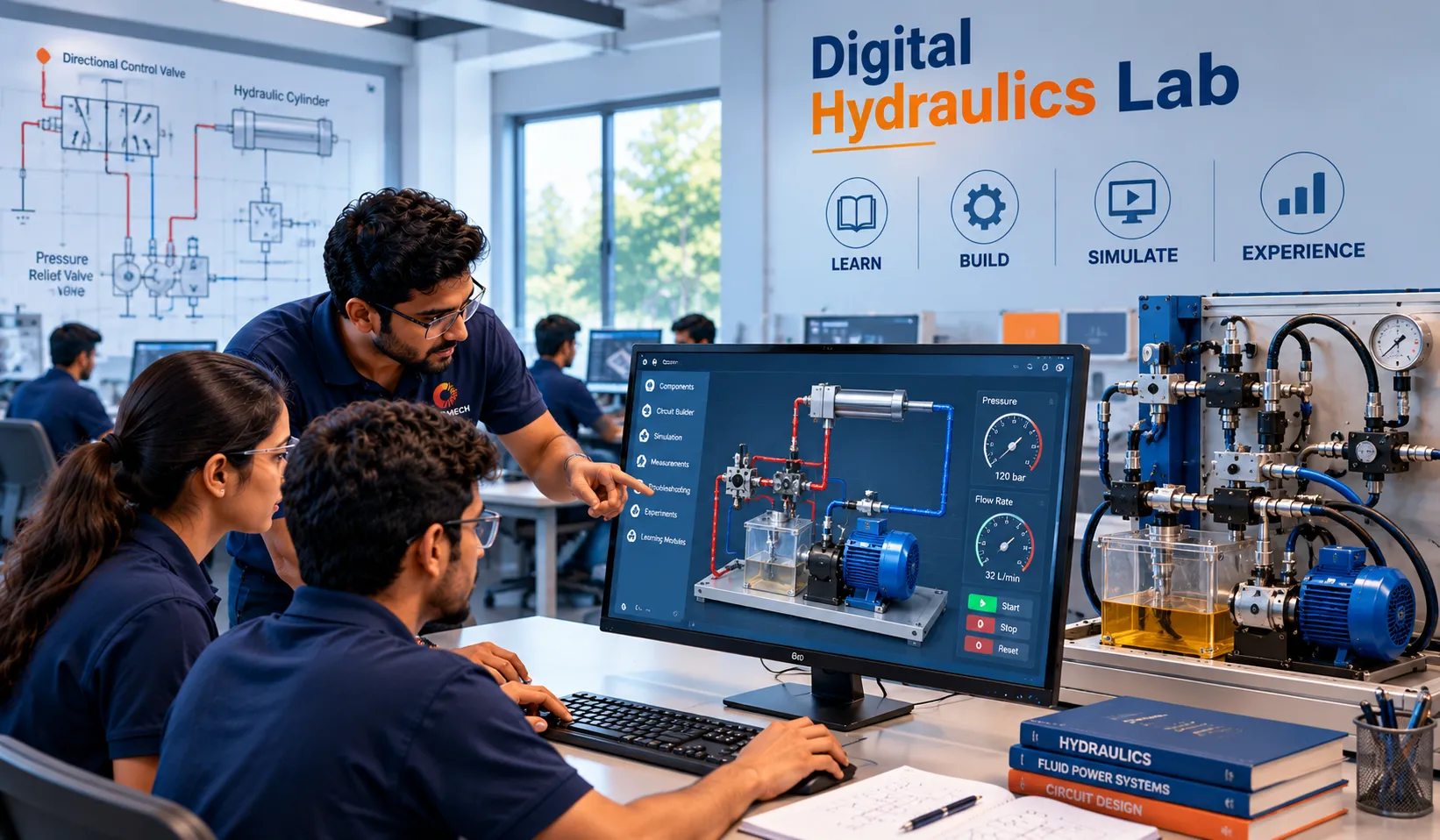
Digital Fluid Power Lab

CAMLEARN™ Digital Fluid Power Lab

Hydraulics + Pneumatics. Learn. Build. Simulate.

A comprehensive digital learning environment to understand, design and simulate hydraulic and pneumatic circuits with interactive guidance, realistic behaviour and industrial applications.

Circuits to Confidence
  • Complete Theory to Practice
  • Interactive Circuit Builder
  • Realistic Simulation
  • Industrial Applications
  • Ideal for Classroom & Lab

Two Essential Technologies. One Integrated Learning Lab.

CAMLEARN Digital Fluid Power Lab combines Hydraulics and Pneumatics in a single platform, helping students understand components, build circuits, simulate system behaviour and apply their learning to real industrial applications.
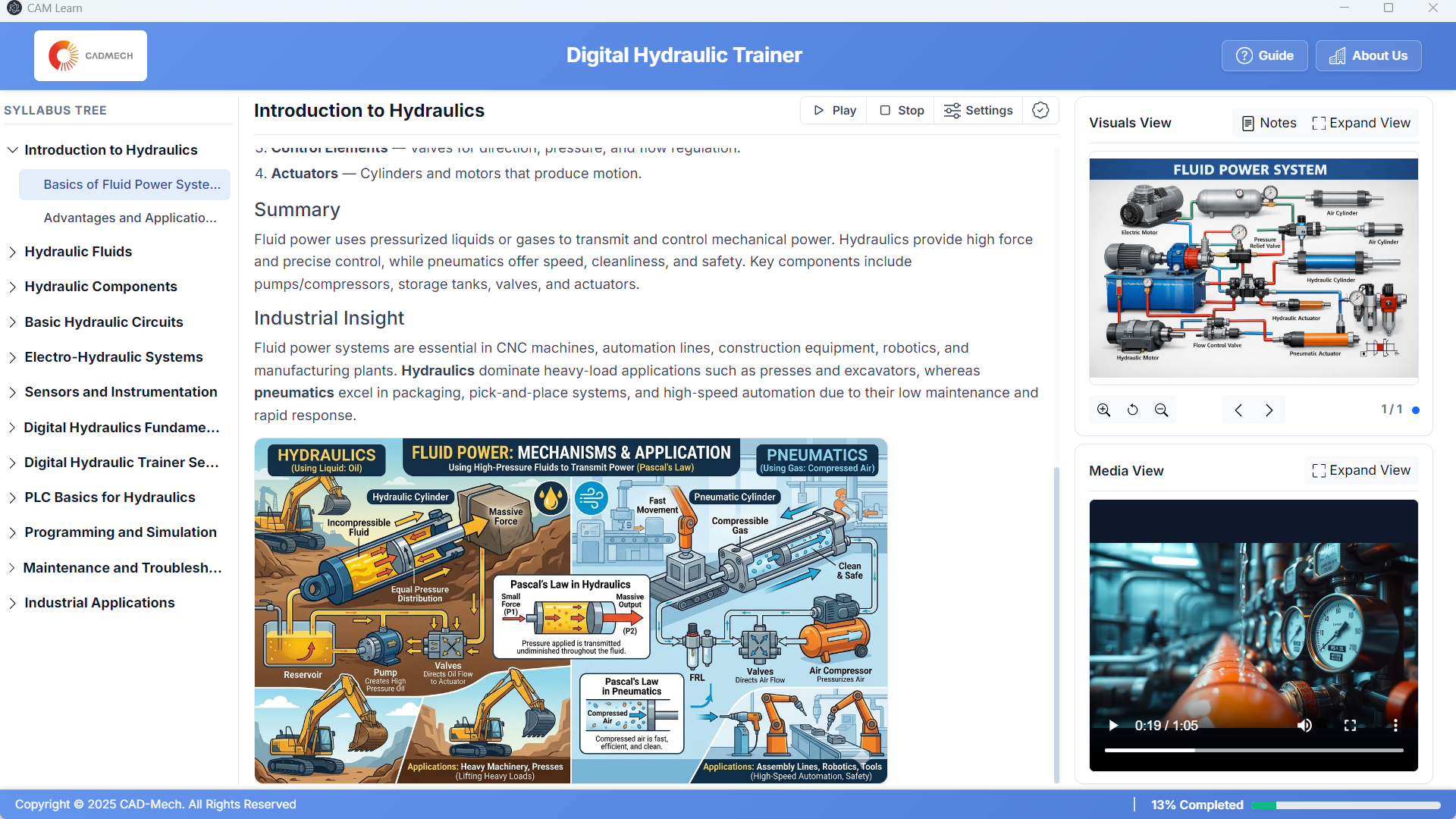
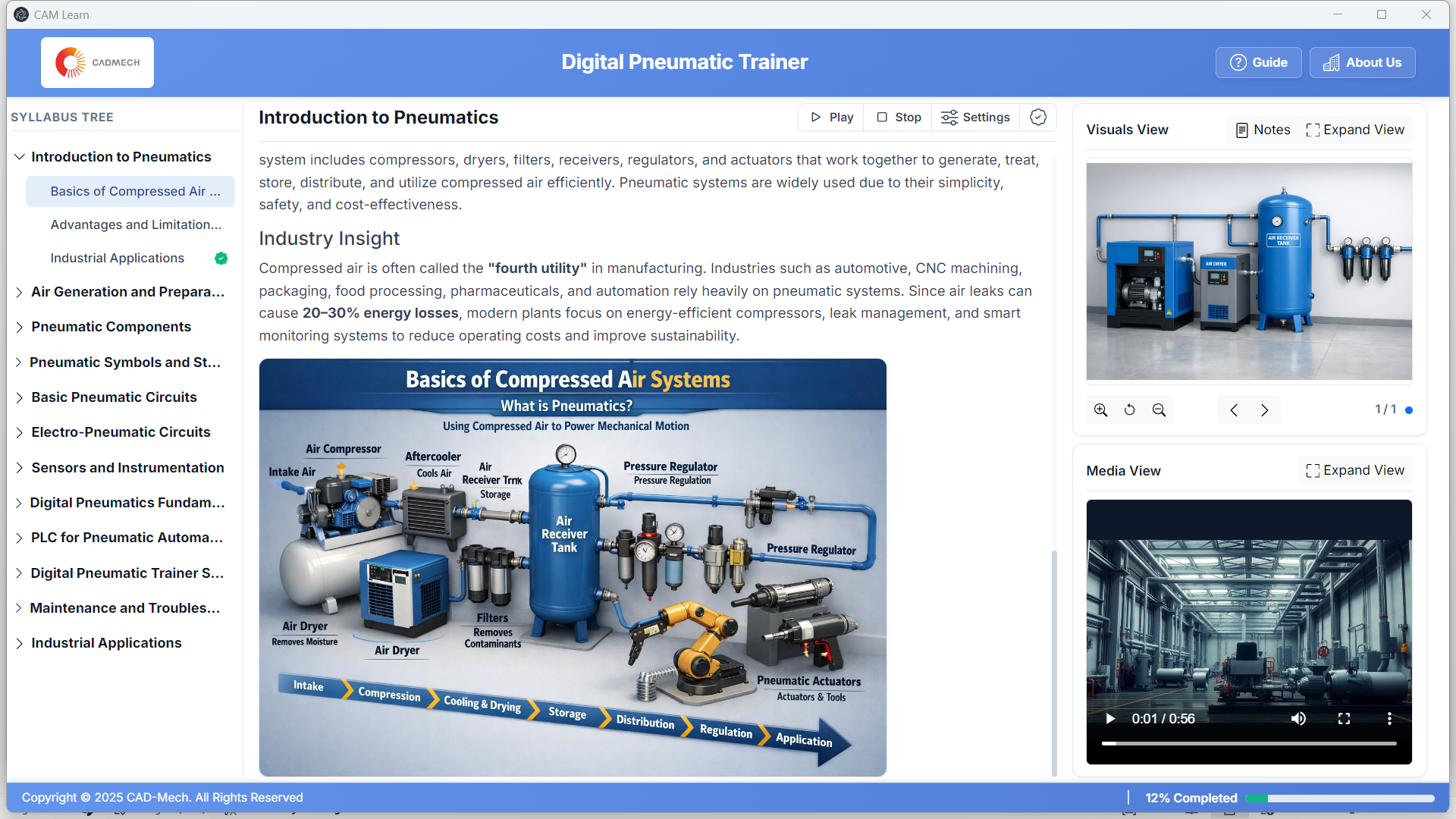
  • Learn at your own pace
  • Build and modify circuits interactively
  • Simulate with realistic behaviour
  • AI Lab Assistant for experiment guidance
  • Ideal for academics, training and self-learning
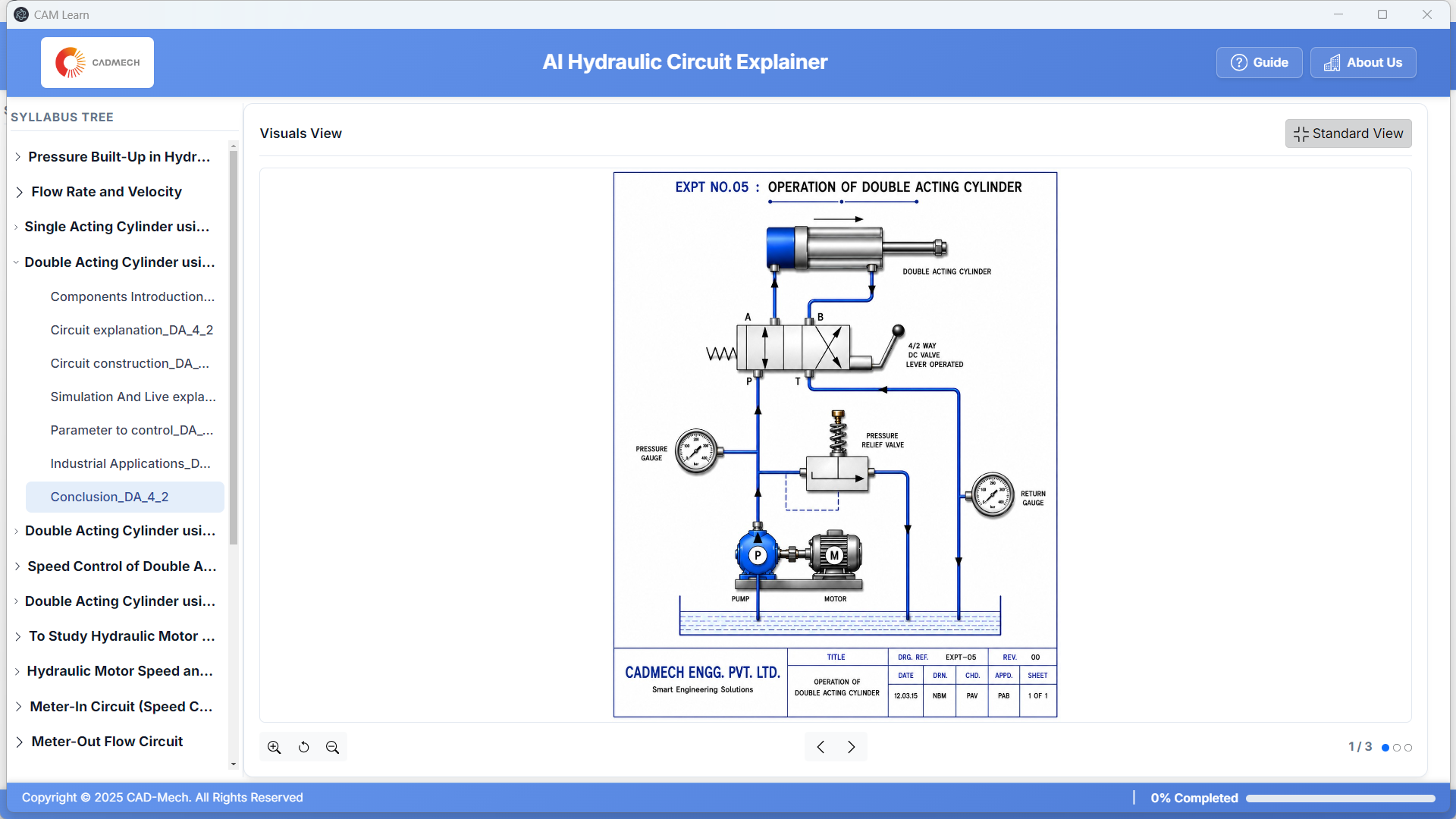
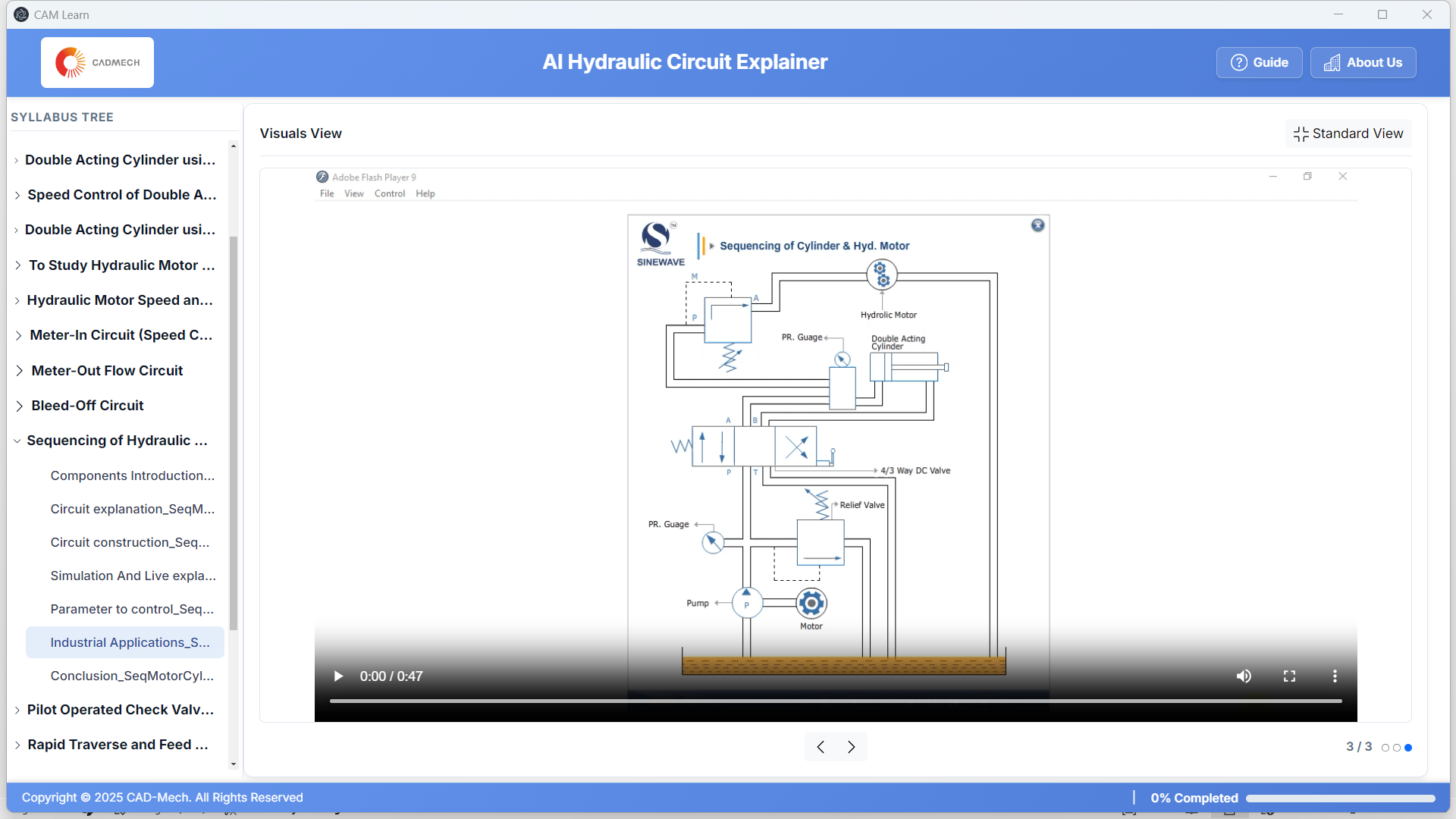
Hydraulics Learning Environment
  • Component library with standard symbols
  • Circuit builder with drag-and-drop interface
  • Realistic simulation with pressure, flow and load
  • Fault simulation and troubleshooting
  • Industrial circuits and applications
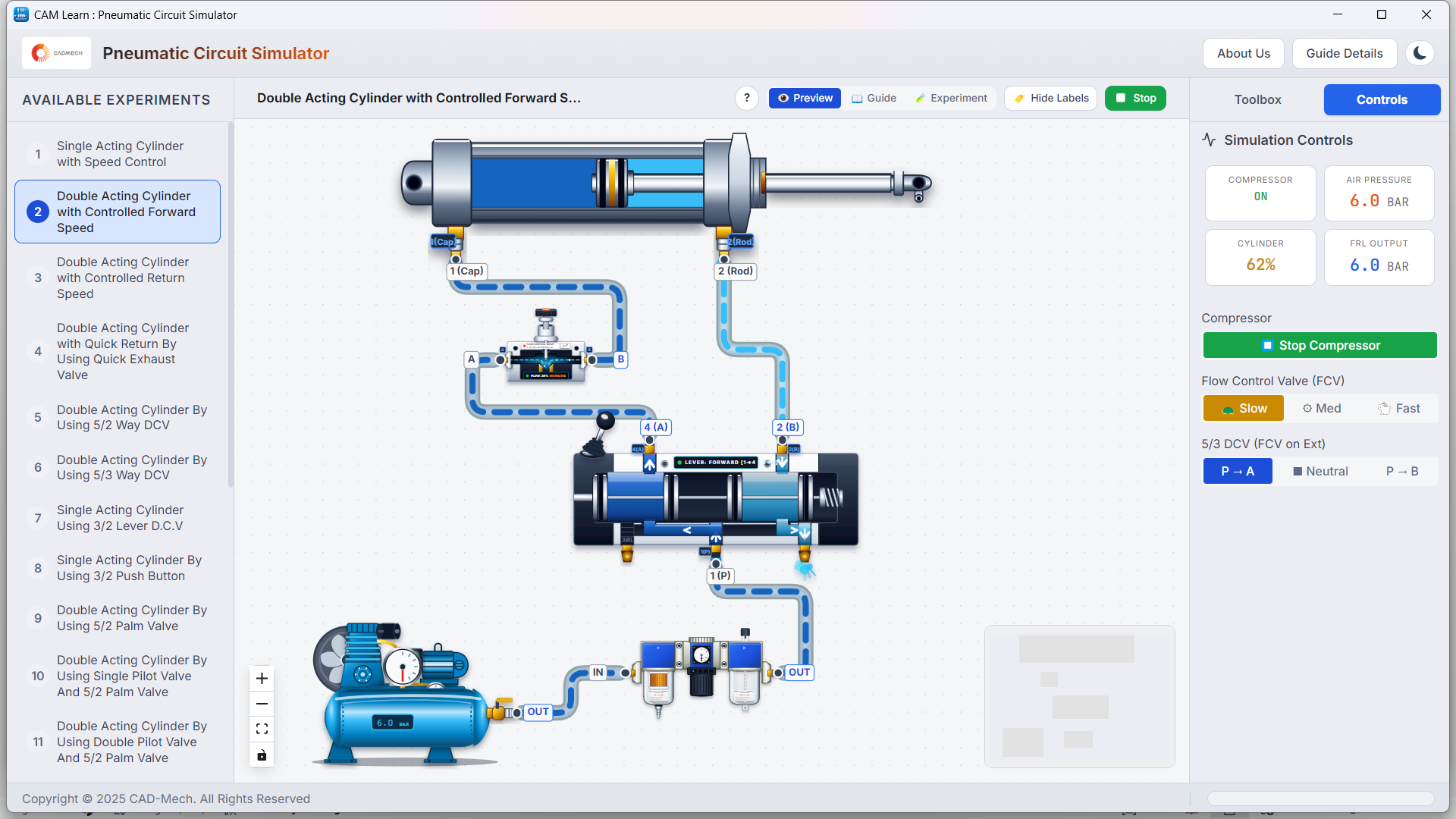
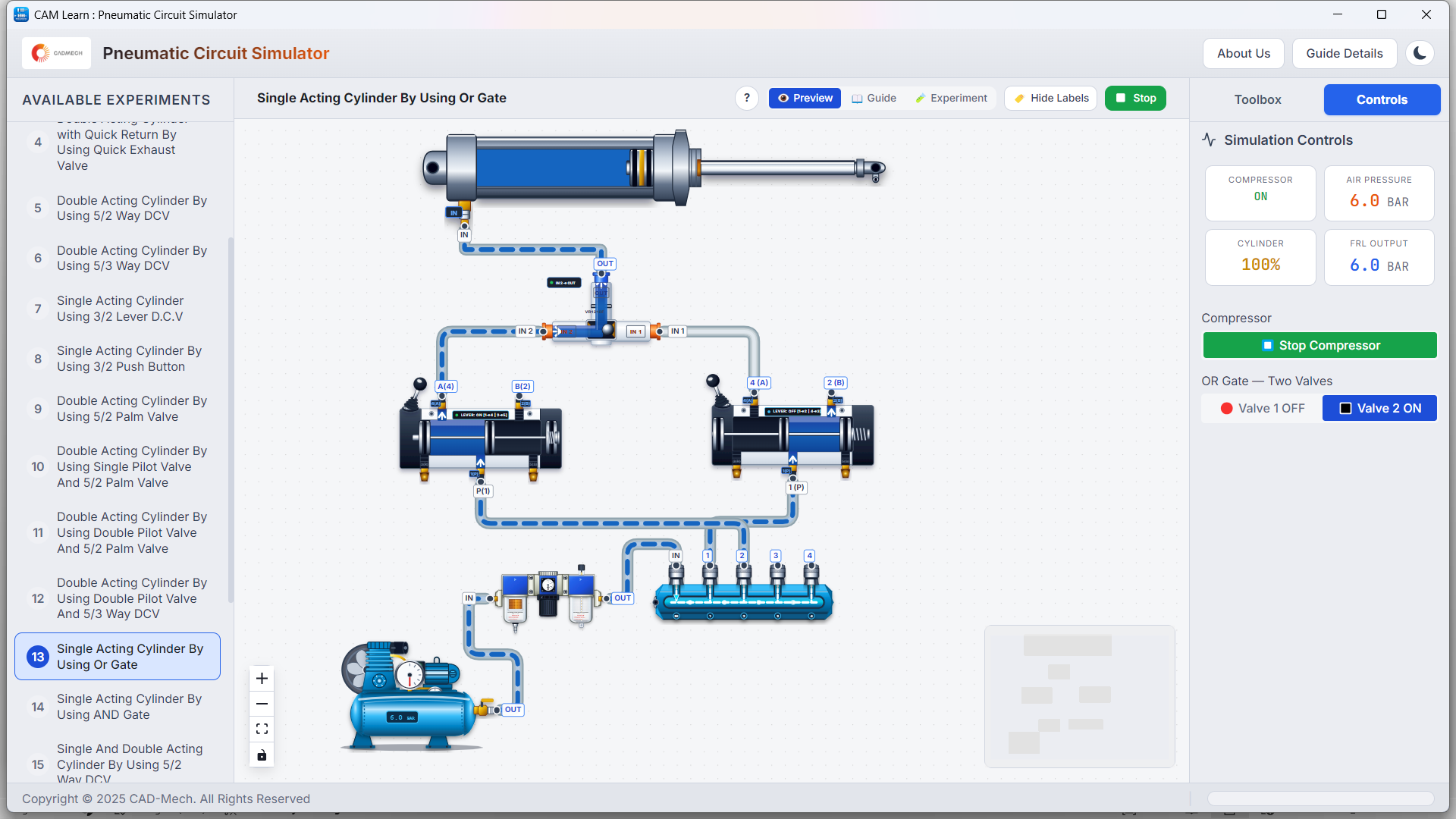
Pneumatics Learning Environment
  • Standard pneumatic components and symbols
  • Interactive circuit builder
  • Realistic simulation with motion and timing
  • Sequence control, logic and memory functions
  • Industrial applications and use cases

Sample Experiments (50+ Included)

Hydraulics Experiments
  • Single Acting Cylinder Control
  • Double Acting Cylinder Control
  • Pressure Sequence Circuit
  • Counterbalance Circuit
  • Speed Control (Meter-In / Meter-Out)
  • Load Holding with NRV
  • Industrial Application – Press / Clamp
Pneumatics Experiments
  • Single Acting Cylinder Control
  • Double Acting Cylinder Control
  • Sequencing with 3/2 & 5/2 Valves
  • AND / OR / Memory Circuits
  • Timer Based Control
  • Flow Control (Speed Regulation)
  • Industrial Application – Pick & Place
View Full Experiment List

Who Is It For?

  • Engineering Colleges
    (Mechanical / Production / Mechatronics / E&TC)
  • Polytechnics & ITIs
  • Skill Development Centres
  • Industrial Training Centres
  • Universities & Research Institutes

“Build real understanding before working on hardware.”

AI Lab Assistant — Your Learning Companion

  • Step-by-step guidance
  • Explain circuit operation
  • Troubleshooting support
  • Industrial application insights

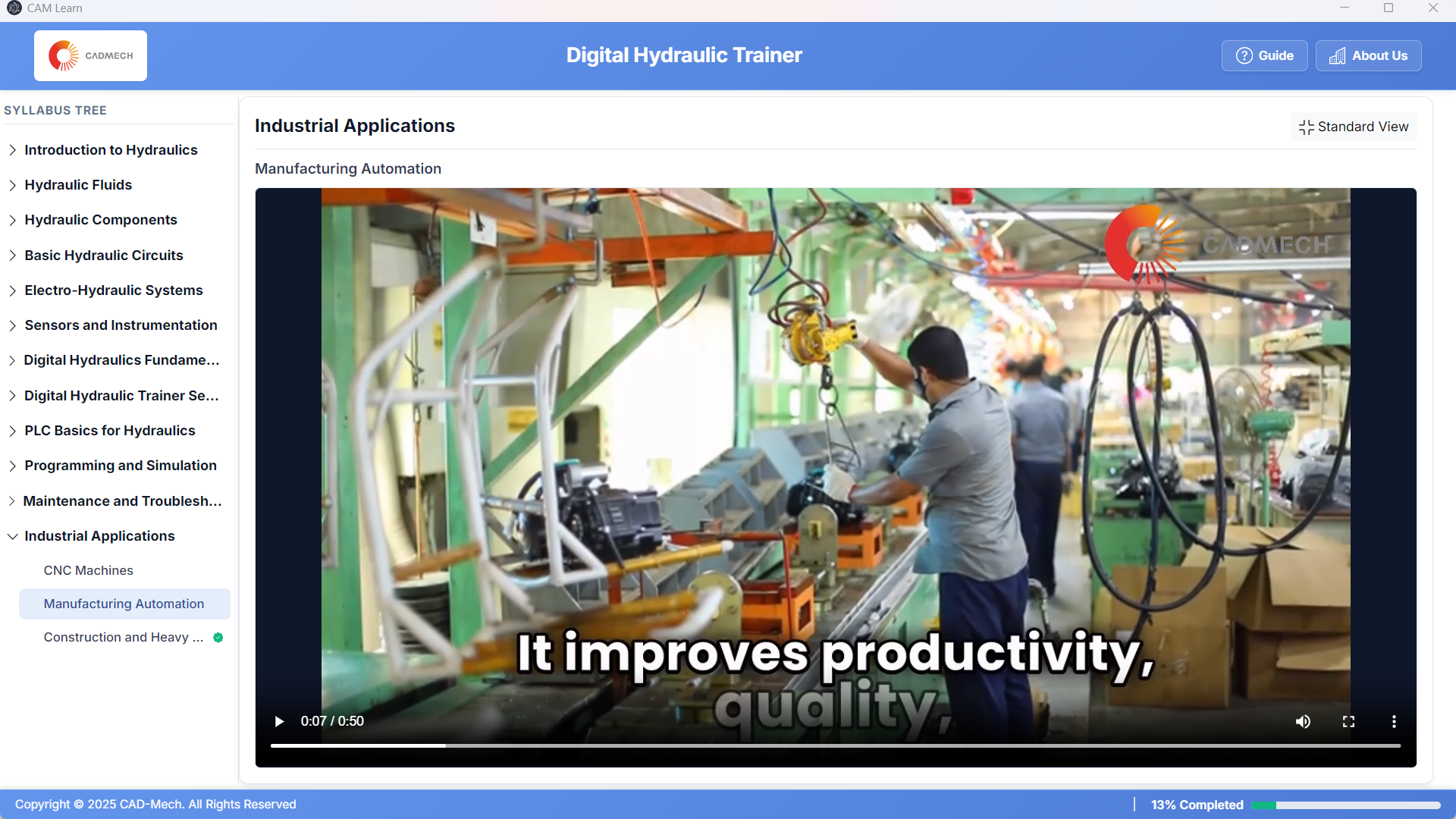
Industrial Applications

Material Handling
Material Handling
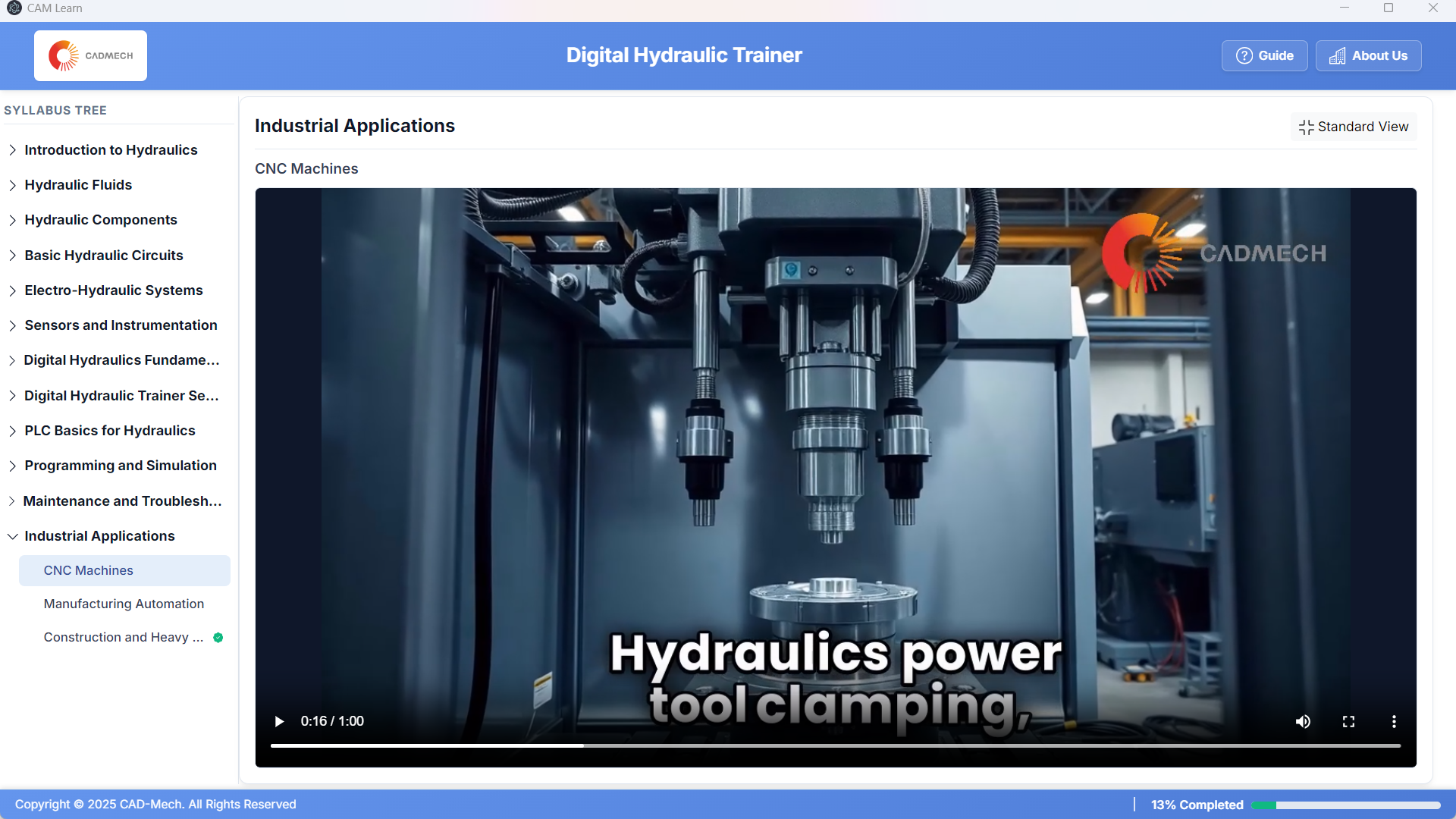
Clamping & Fixturing
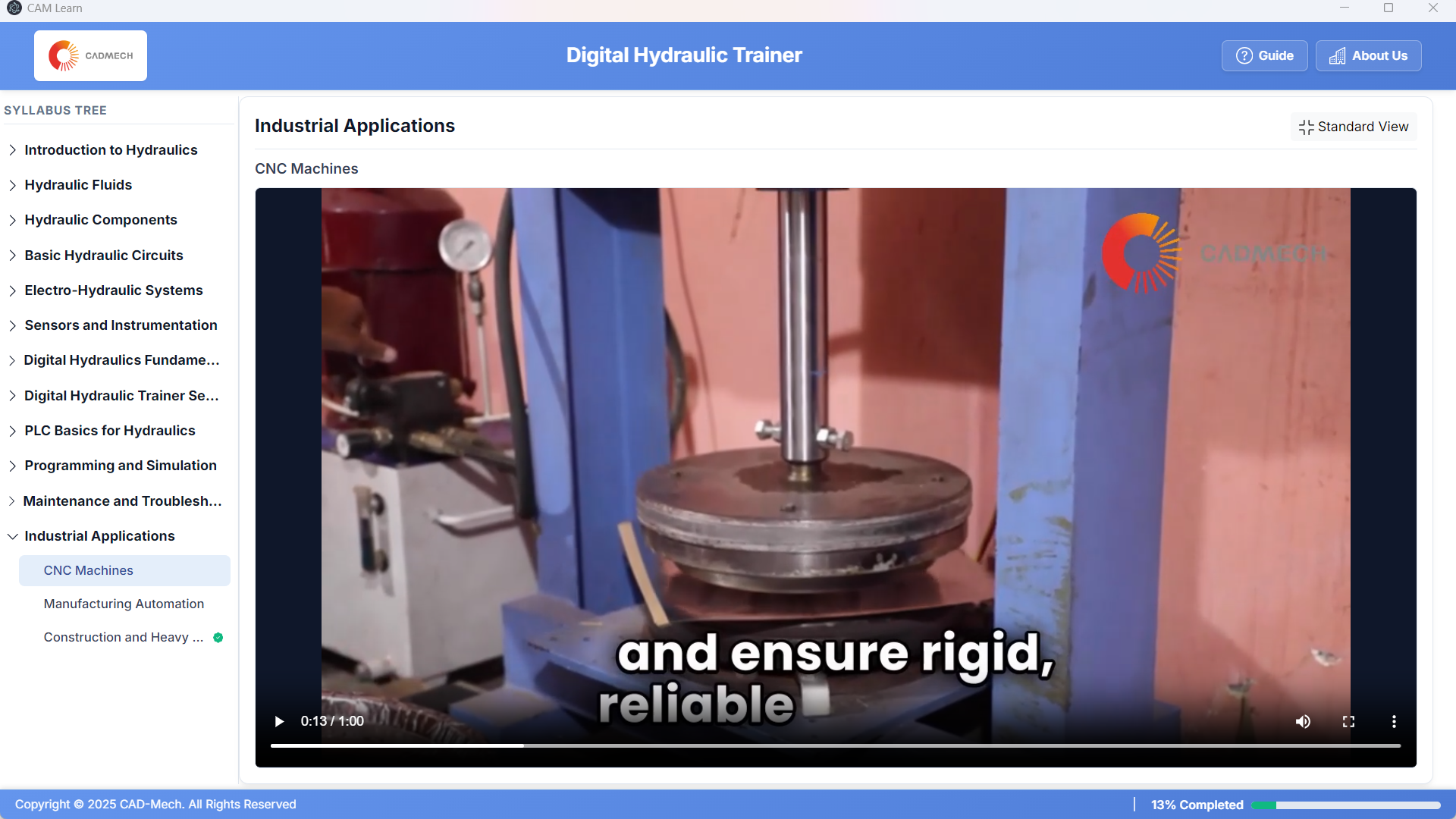
Pressing Operations
Pressing Operations
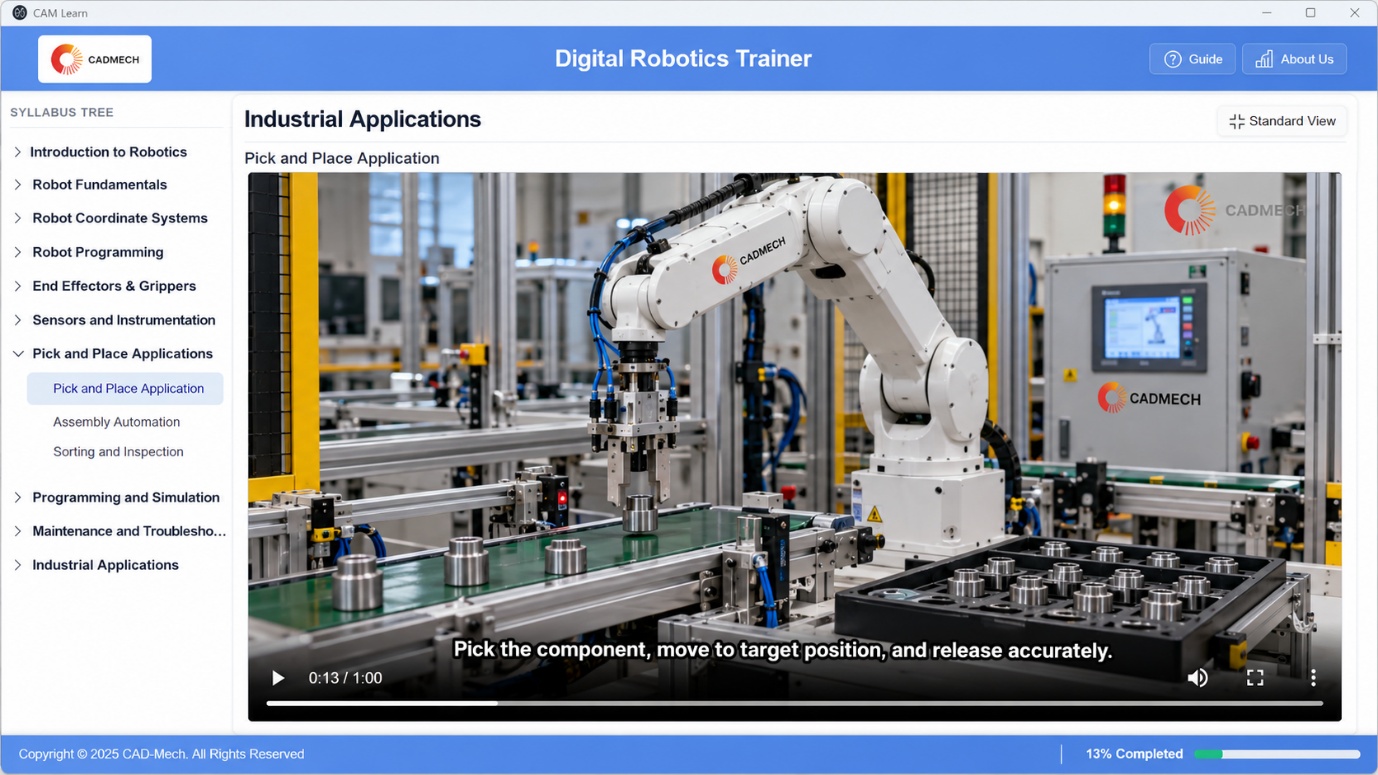
Pick & Place Automation

Available Deployment Options

Choose the right configuration for your institution.

Single License

Individual / Faculty

Get Quote

10 + 1 Academic Lab

For departmental use

Get Quote

Digital + VR Bundle

With VR Applications (Optional)

Get Quote

Hybrid Lab

Digital + VR + Physical Trainers

Configure Lab

Frequently Asked Questions

Do students need any special hardware?

No. CAMLEARN digital labs run on standard Windows computers. A detailed specification is shared with your quotation.

Can it be used without internet?

Yes. After installation the lab can run offline; internet is only needed for activation and updates.

Does it replace the physical lab?

No. It extends the physical lab so students arrive better prepared and every learner gets individual practice.

Is faculty training included?

Yes. Faculty onboarding and a teaching guide are part of the standard deployment.

Can the content be customised for our curriculum?

Yes. Experiments and modules can be mapped to your syllabus on request.

Bring Fluid Power Learning to Your Institution.

Request a live demonstration or speak to our team for the right solution.
Catalogue Call WhatsApp Chat