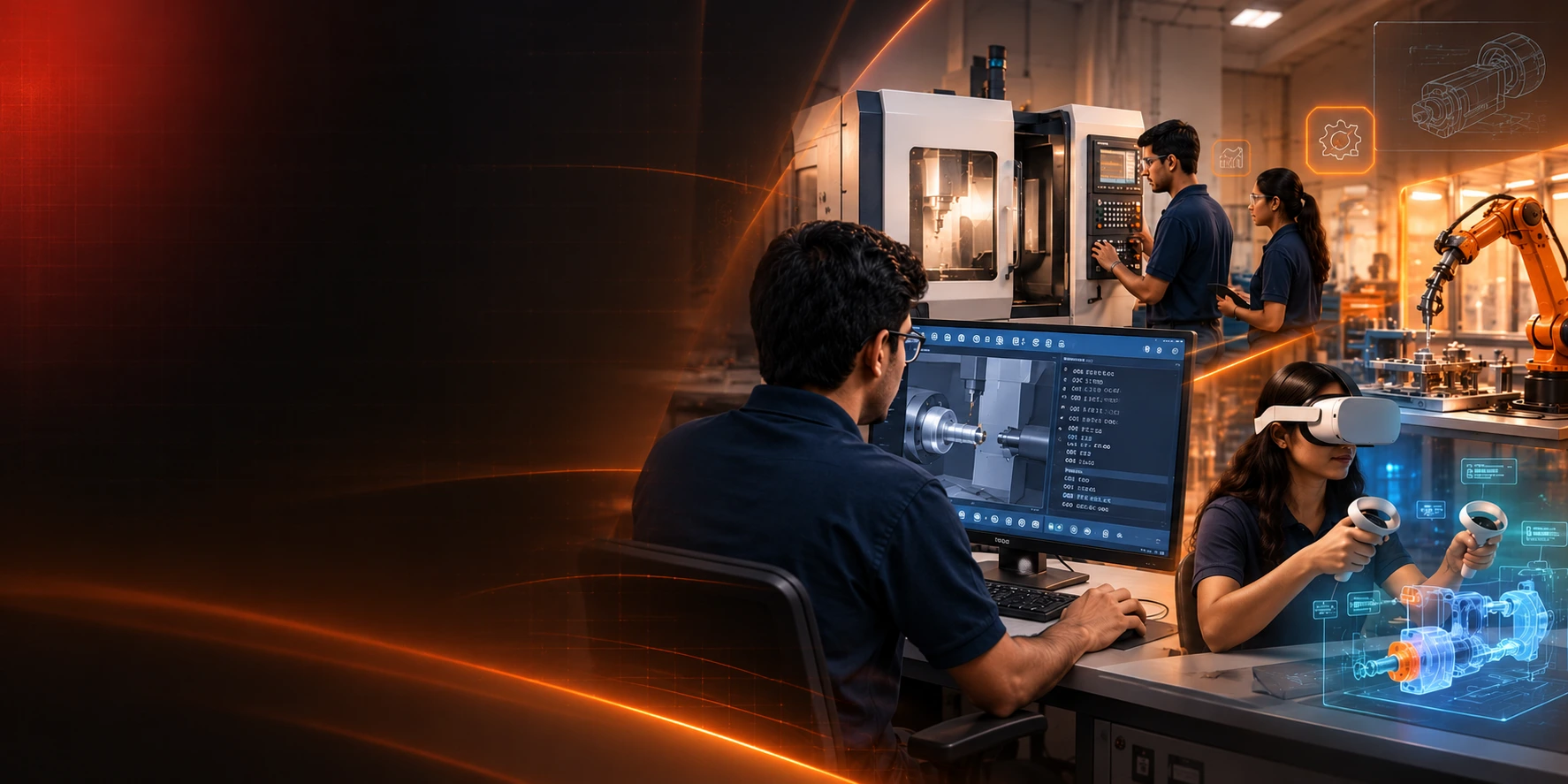
Digital CNC Manufacturing Lab

CAMLEARN™ Digital CNC Manufacturing Lab

Turning + Milling. From Concept to Virtual Machining.

A complete digital learning environment to understand CNC fundamentals, develop G-code programming skills, simulate machining operations and prepare for real-world manufacturing environments.

Practice. Program. Simulate. Succeed.
  • Industry Standard CNC Control
  • Realistic Machining Simulation
  • Interactive Programming
  • Tooling & Process Visualization
  • Ideal for Classroom & Lab Use

Complete CNC Learning in One Digital Platform

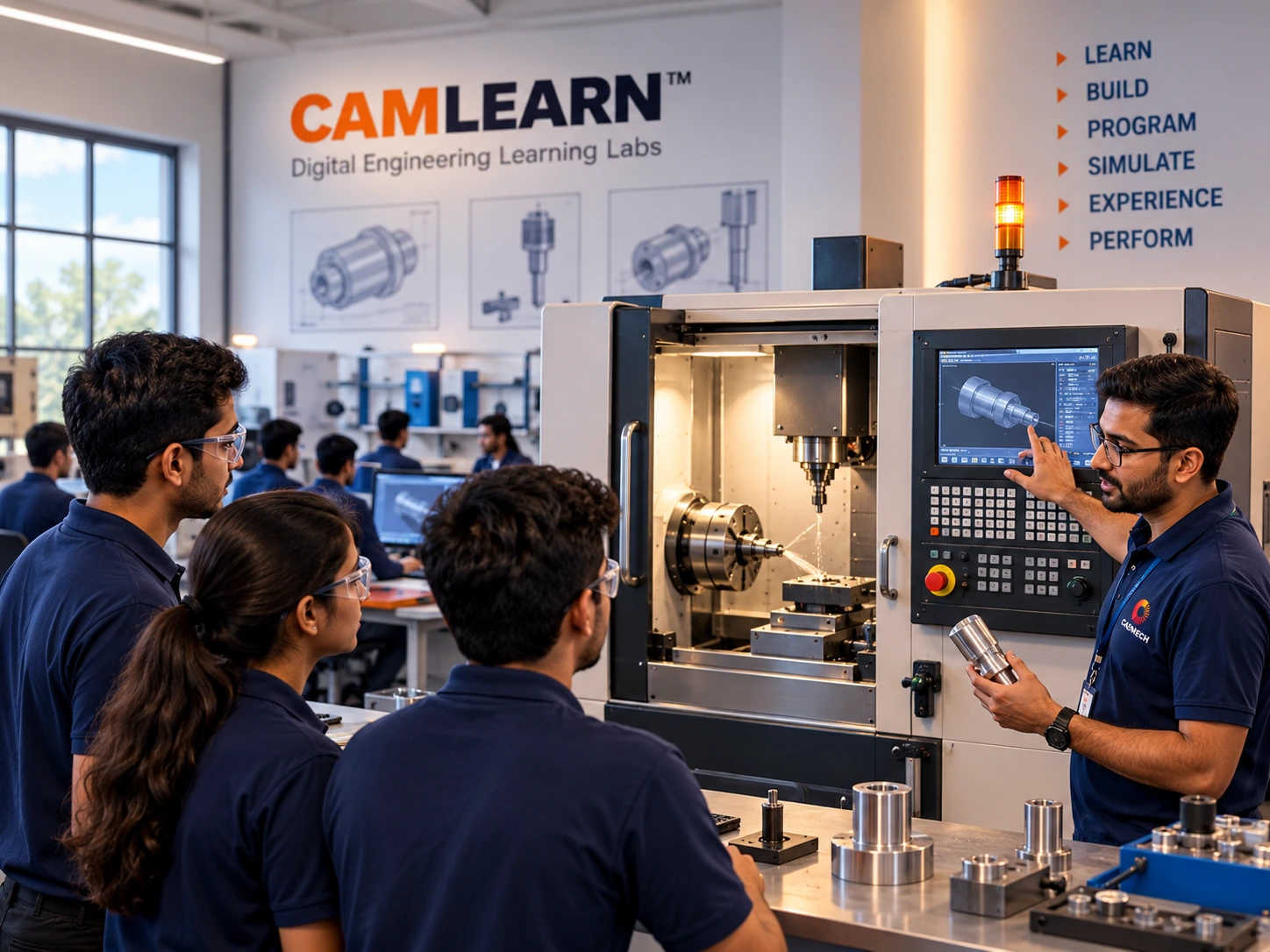
CAMLEARN Digital CNC Manufacturing Lab combines Turning and Milling learning in a single integrated platform, helping students understand CNC machine operations, G-code programming, tooling, machining cycles and real manufacturing practices through interactive simulation.

  • Learn at your own pace
  • Practice in a risk-free virtual environment
  • Standard G-code programming
  • Realistic machining simulation
  • Ideal for academic, training and industry upskilling

Two Core Learning Environments

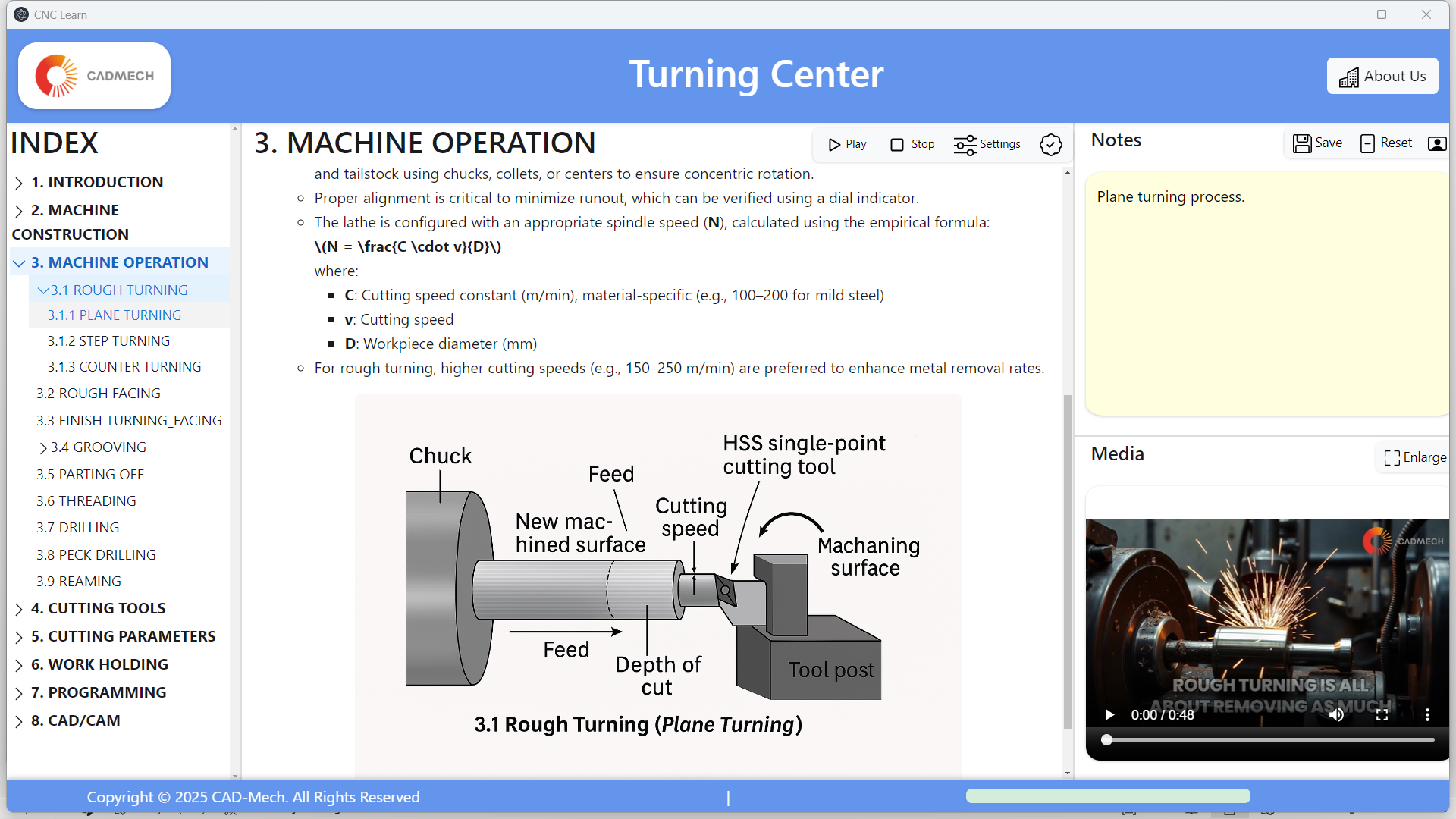
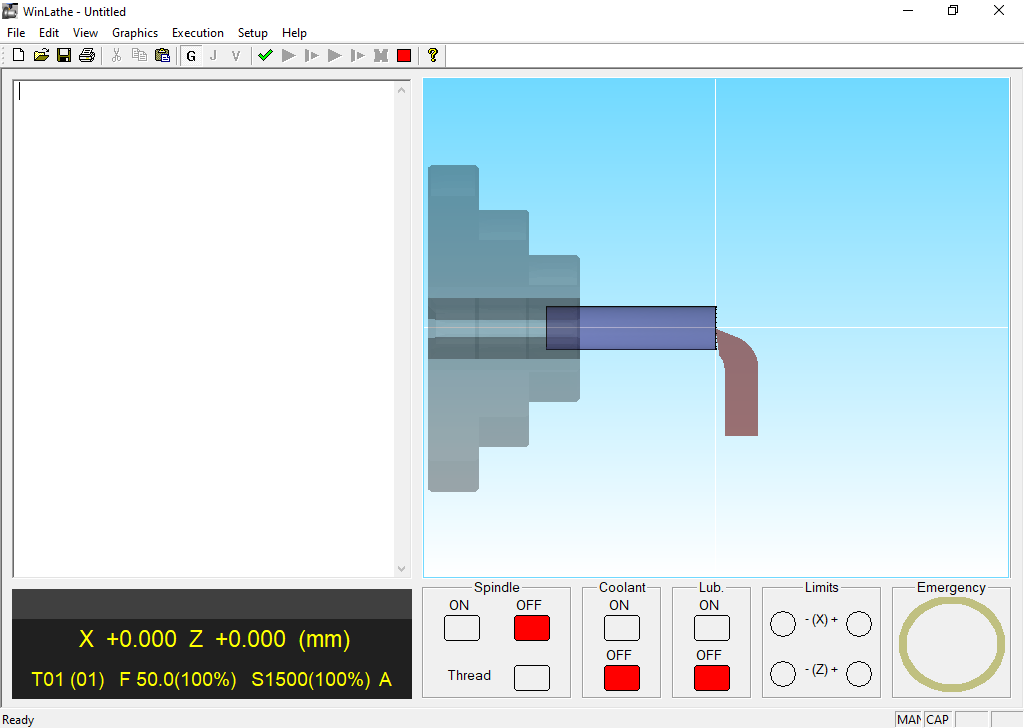
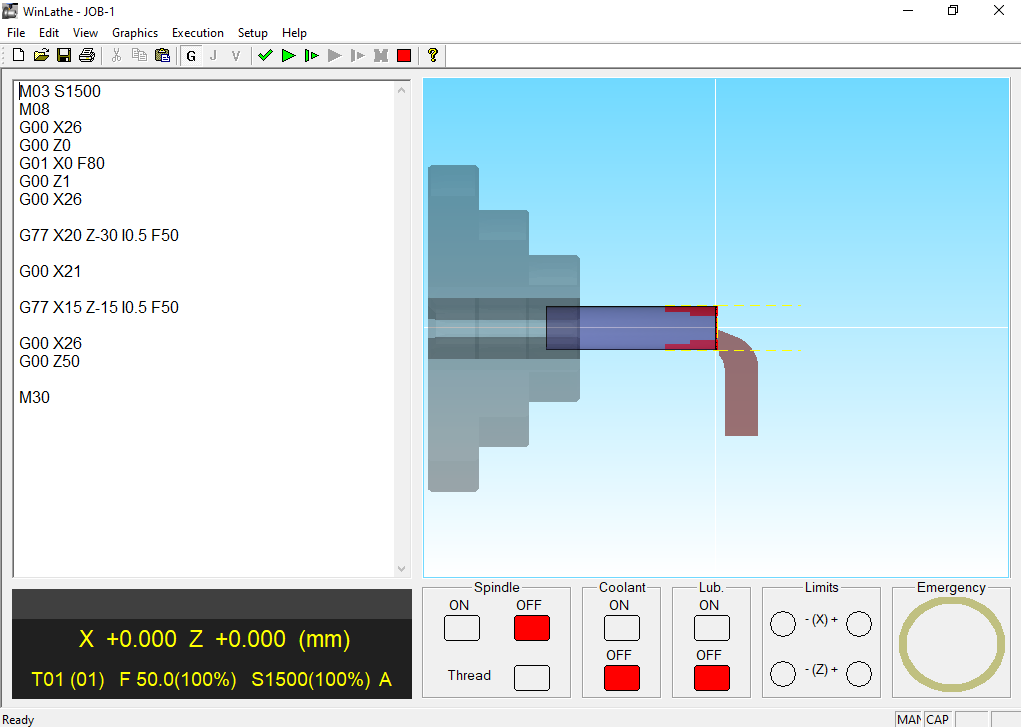
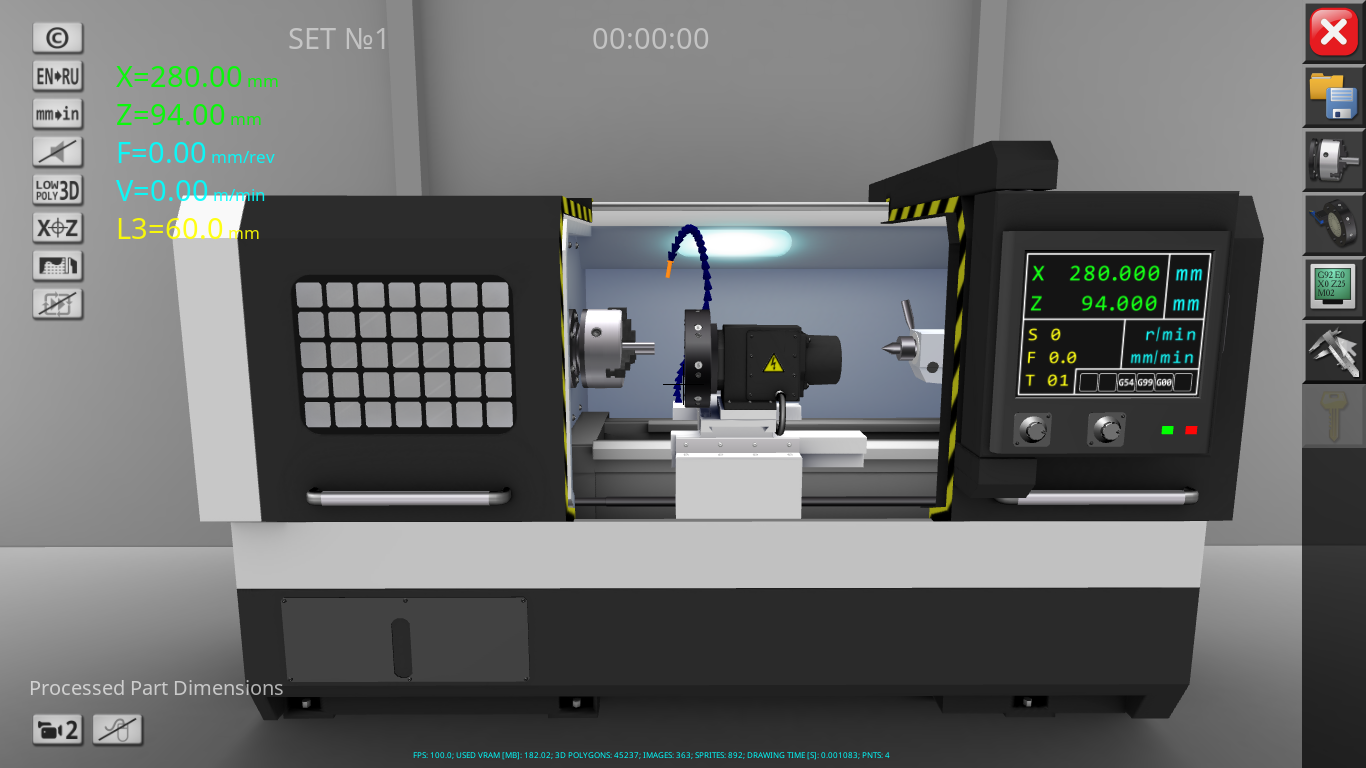
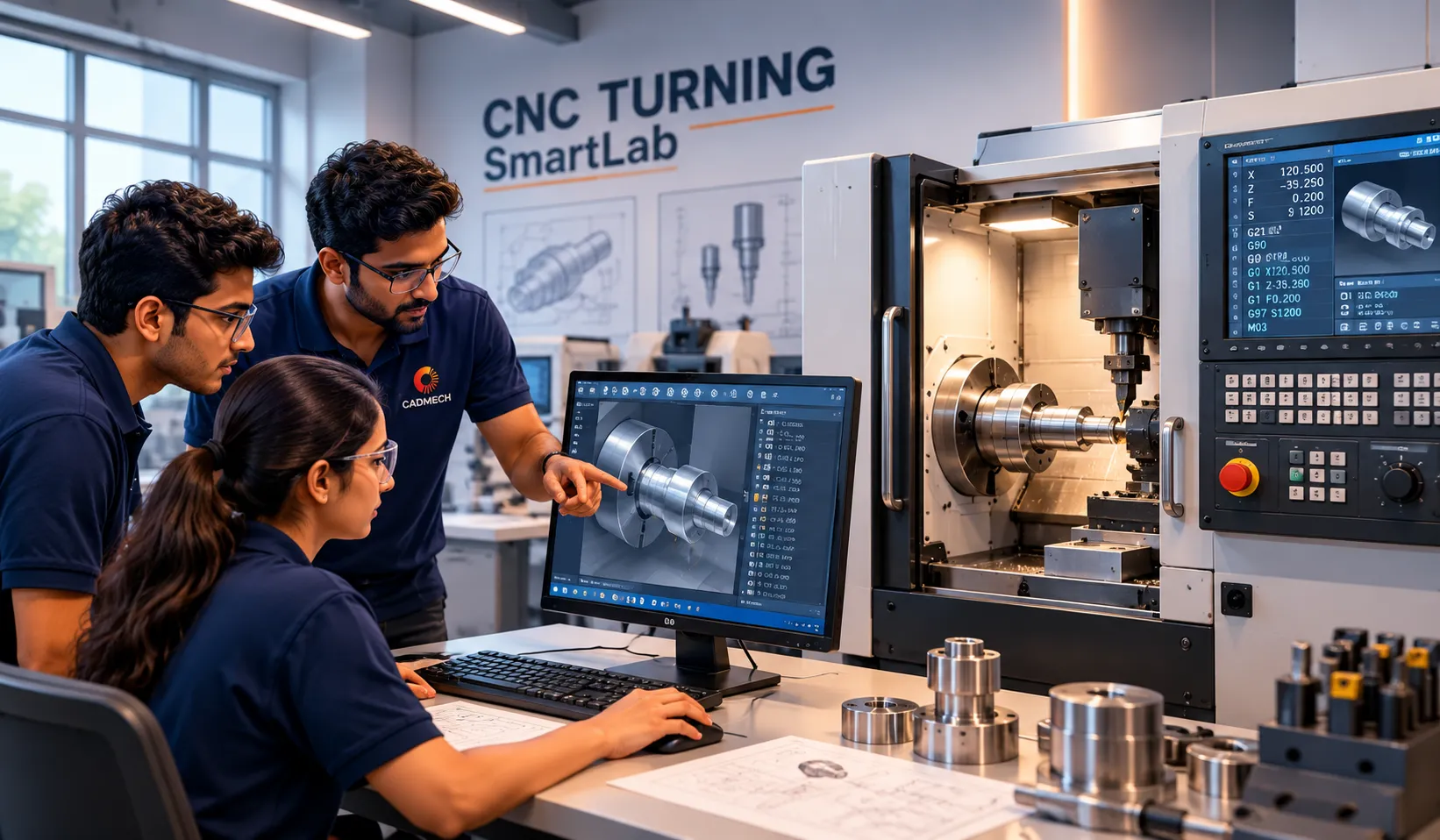
CNC Turning Lab

Program. Simulate. Machine.

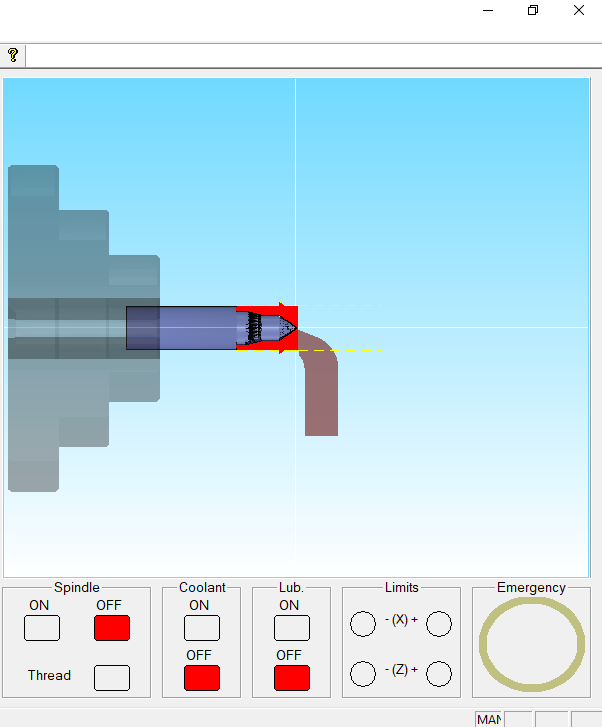
CNC Turning Lab
  • CNC turning fundamentals
  • G-code programming (Fanuc/Siemens/ISO)
  • Tooling and work offsets
  • Facing, turning, profiling, threading
  • Canned cycles and advanced operations
  • Realistic 3D machining simulation
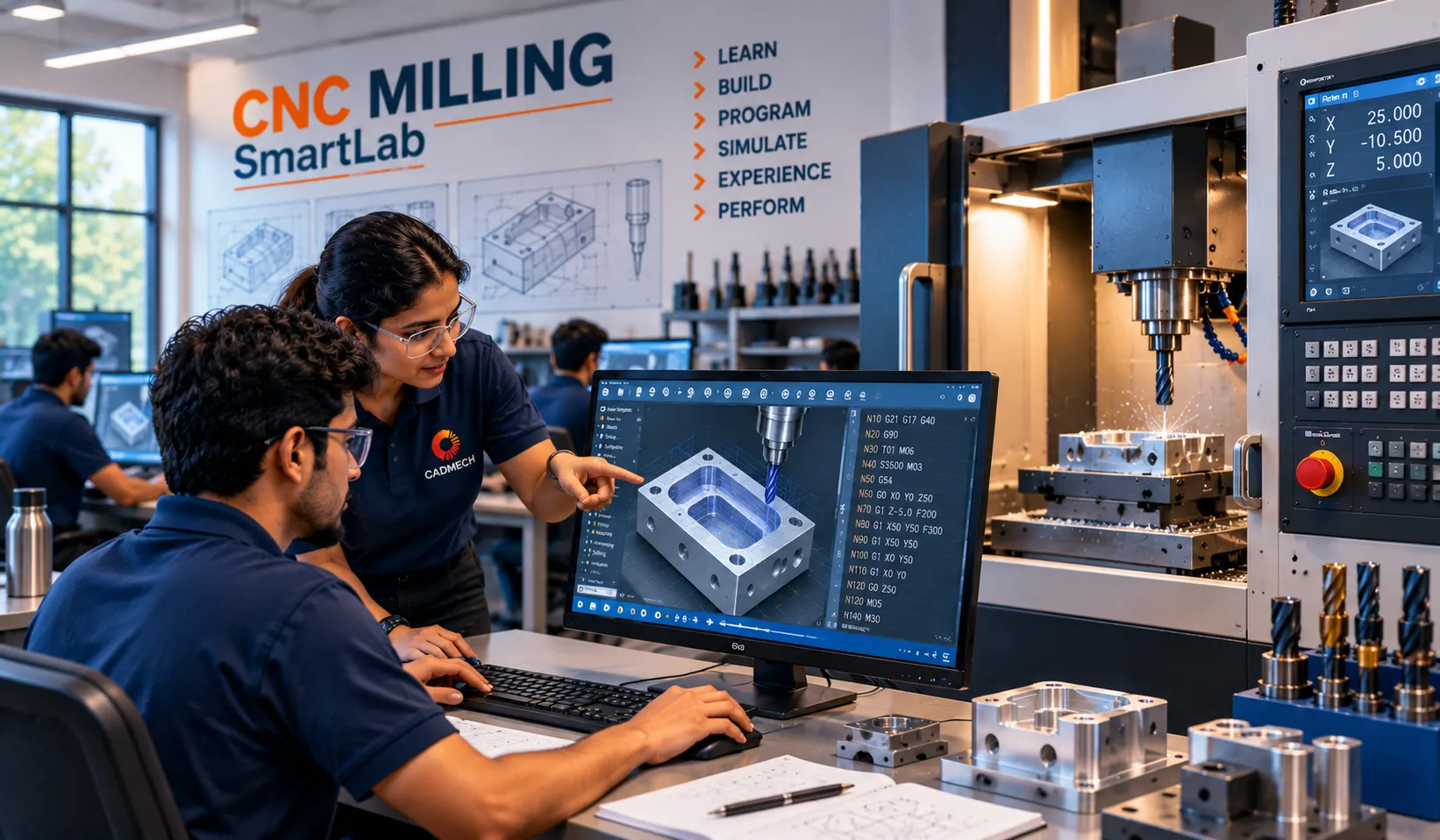
CNC Milling Lab

From Programming to Precision.

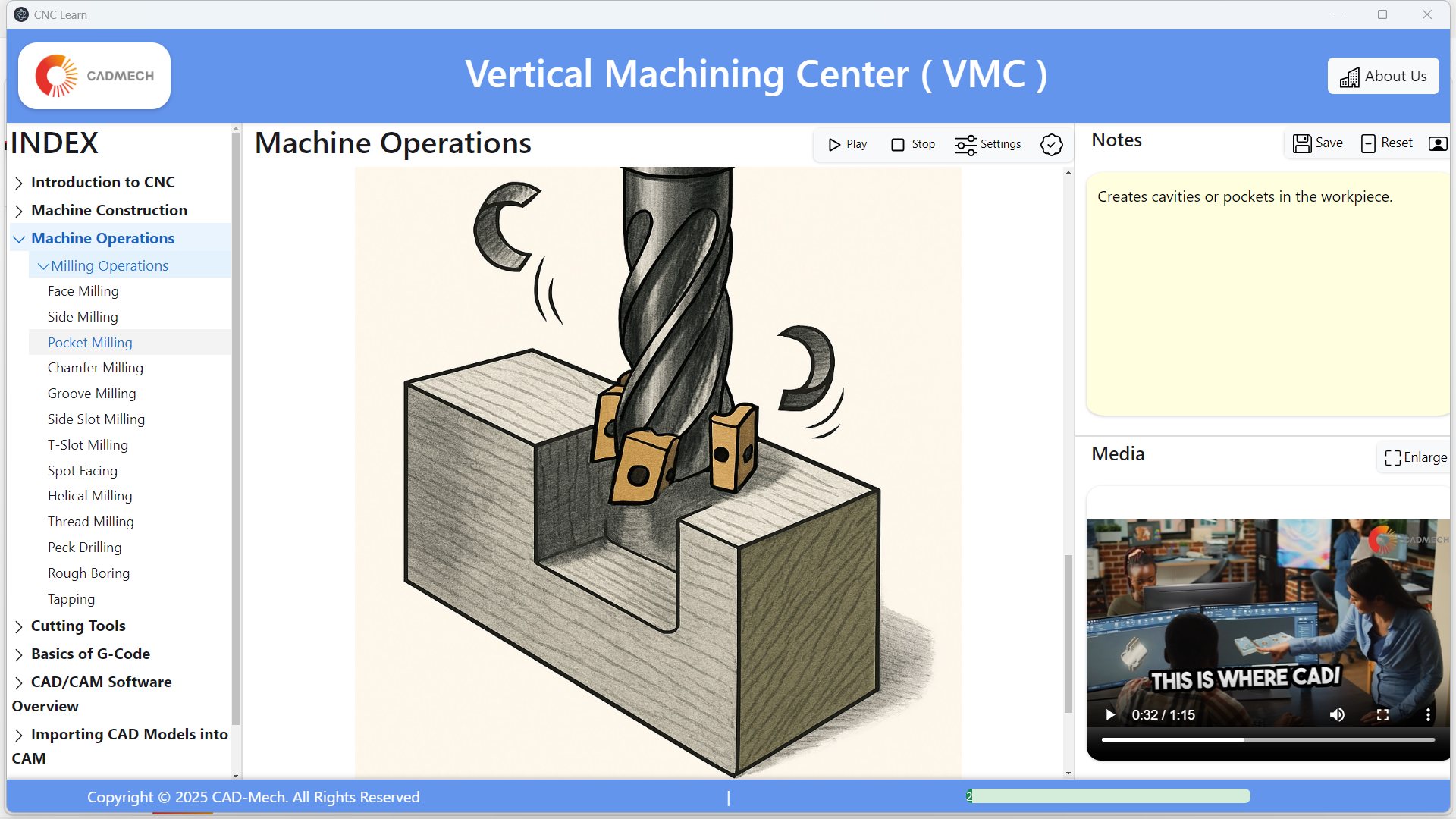
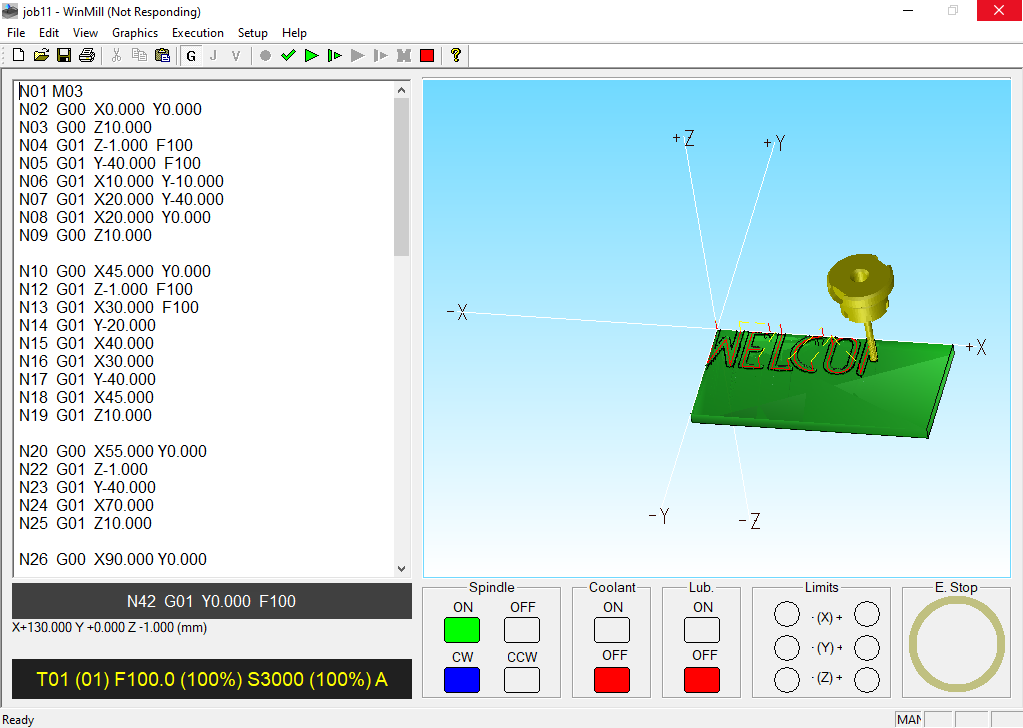
CNC Milling Lab
  • CNC milling fundamentals
  • G-code programming (Fanuc/Siemens/ISO)
  • Tool path visualization
  • Drilling, pocketing, contouring
  • Canned cycles and advanced features
  • Realistic 3D machining simulation

Supports Industry Standard Controls

FANUC
FANUC
SIEMENS
SIEMENS
MITSUBISHI
MITSUBISHI ELECTRIC
DELTA
DELTA

Sample Programs & Machining Operations

Turning Operations
  • Facing
  • Straight Turning
  • Taper Turning
  • Grooving
  • Threading (External / Internal)
  • Parting Off
  • Canned Cycle Programs
Milling Operations
  • Face Milling
  • Drilling
  • Pocket Milling
  • Contour Milling
  • Slot Milling
  • Circular Interpolation
  • Canned Cycle Programs
View Full Experiment List

Who Is It For?

  • Engineering Colleges
    (Mechanical / Production / Mechatronics / E&TC)
  • Polytechnics & ITIs
  • Skill Development Centres
  • Industrial Training Centres
  • Universities & Research Institutes

“Bridge the gap between classroom learning and real manufacturing.”

Available Deployment Options

Choose the right configuration for your institution.

Single License

Individual / Faculty

Get Quote

10 + 1 Academic Lab

For departmental use

Get Quote

Digital + VR Bundle

With CNC VR Applications (Optional)

Get Quote

Hybrid Lab

Digital + VR + Physical Trainer

Configure Lab

Frequently Asked Questions

Do students need any special hardware?

No. CAMLEARN digital labs run on standard Windows computers. A detailed specification is shared with your quotation.

Can it be used without internet?

Yes. After installation the lab can run offline; internet is only needed for activation and updates.

Does it replace the physical lab?

No. It extends the physical lab so students arrive better prepared and every learner gets individual practice.

Is faculty training included?

Yes. Faculty onboarding and a teaching guide are part of the standard deployment.

Can the content be customised for our curriculum?

Yes. Experiments and modules can be mapped to your syllabus on request.

Bring CNC Learning to Your Institution.

Request a live demonstration or speak to our team for the right solution.
Catalogue Call WhatsApp Chat