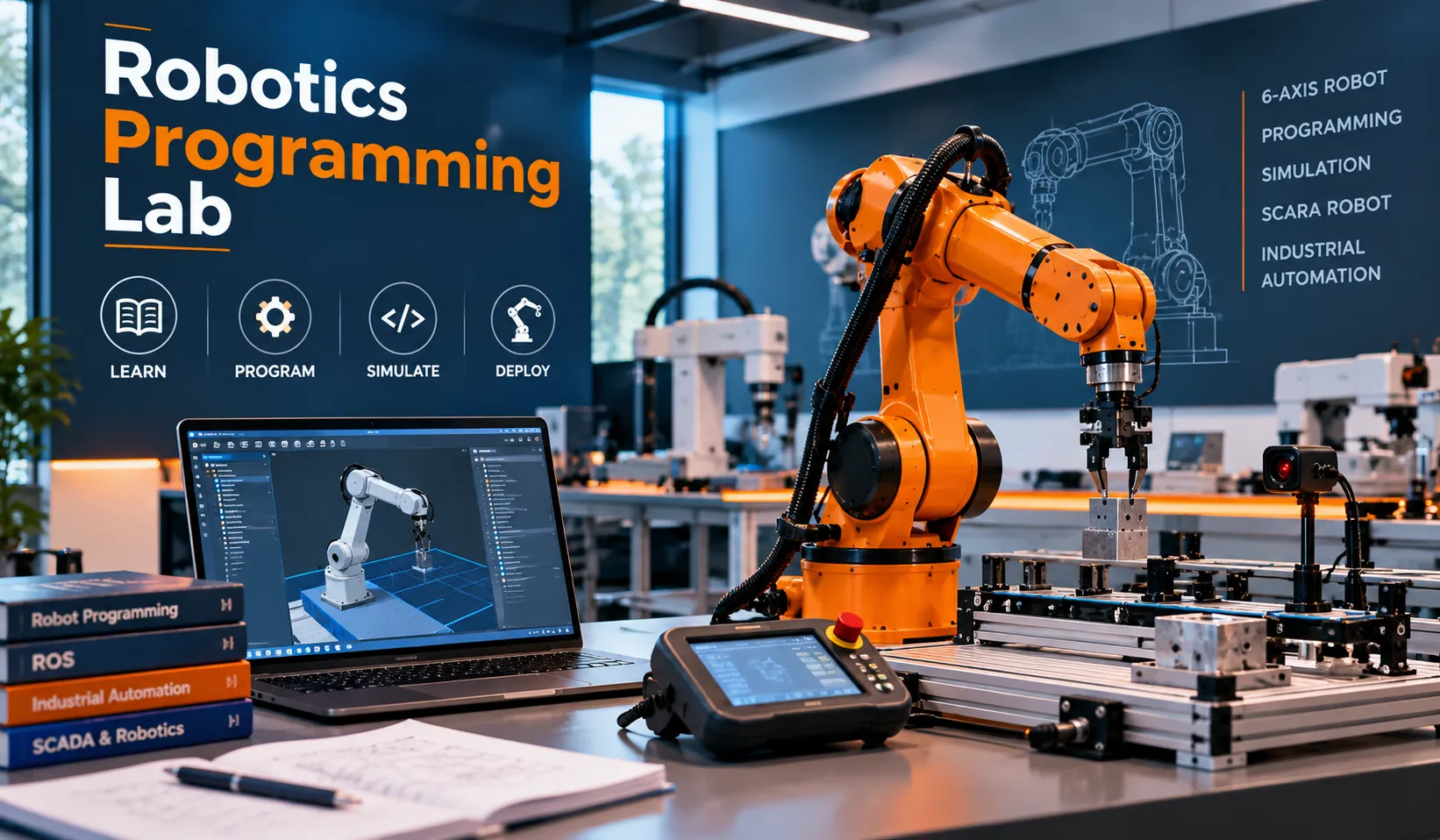
Robotics Programming Lab

CAMLEARN™ Robotics Programming Lab

Learn. Program. Simulate. Automate.

A complete digital learning environment to understand industrial robots, develop programming skills, simulate real-world applications and prepare for hands-on training. CAMLEARN Robotics Lab makes advanced robotics learning accessible, interactive and practical for every student.

Robotics Skills for a Smarter Tomorrow
  • Industry Relevant Curriculum
  • Interactive & Practical
  • Simulate Before You Operate
  • Ideal for Classroom & Lab Use
  • Build Future-Ready Skills

From Fundamentals to Real-World Applications

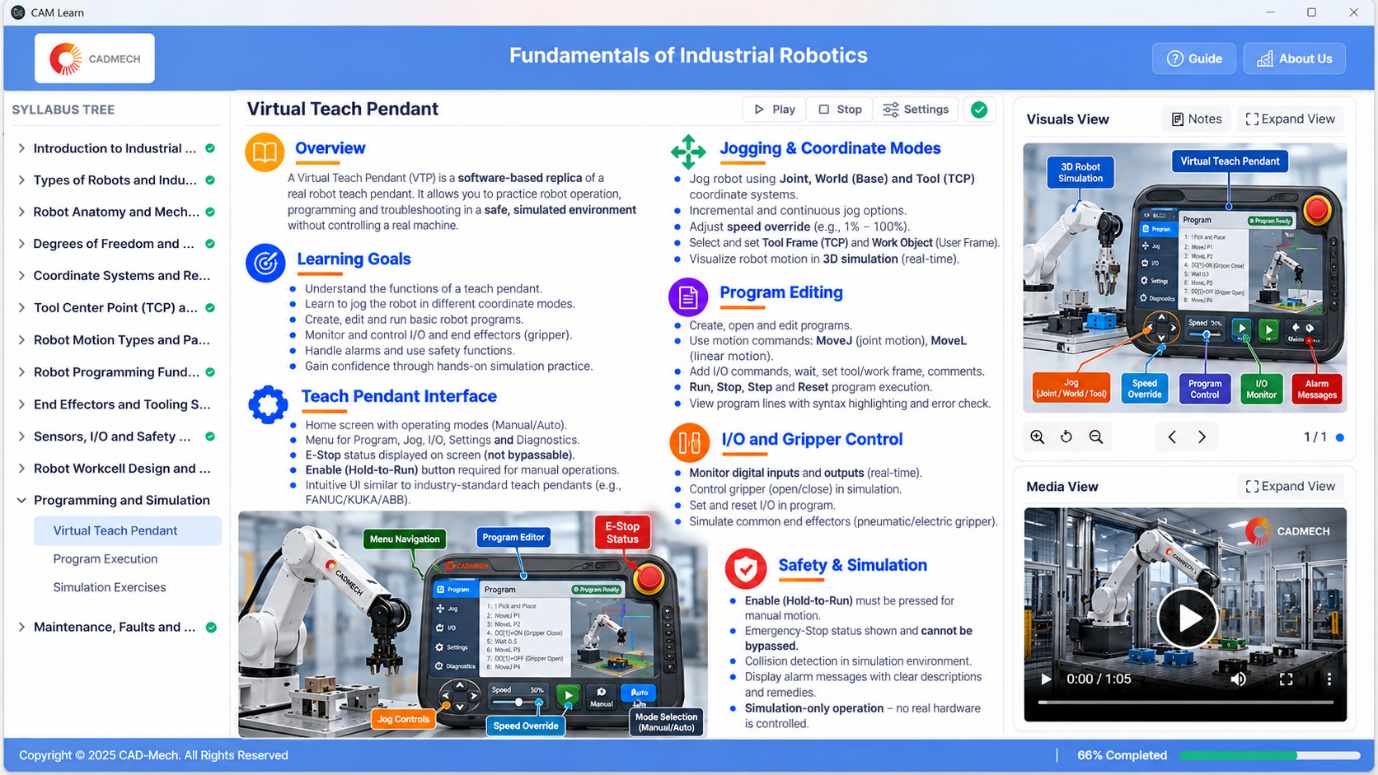
CAMLEARN Robotics Programming Lab helps students understand robot types, programming logic, kinematics, simulation and industrial applications through an interactive digital platform.
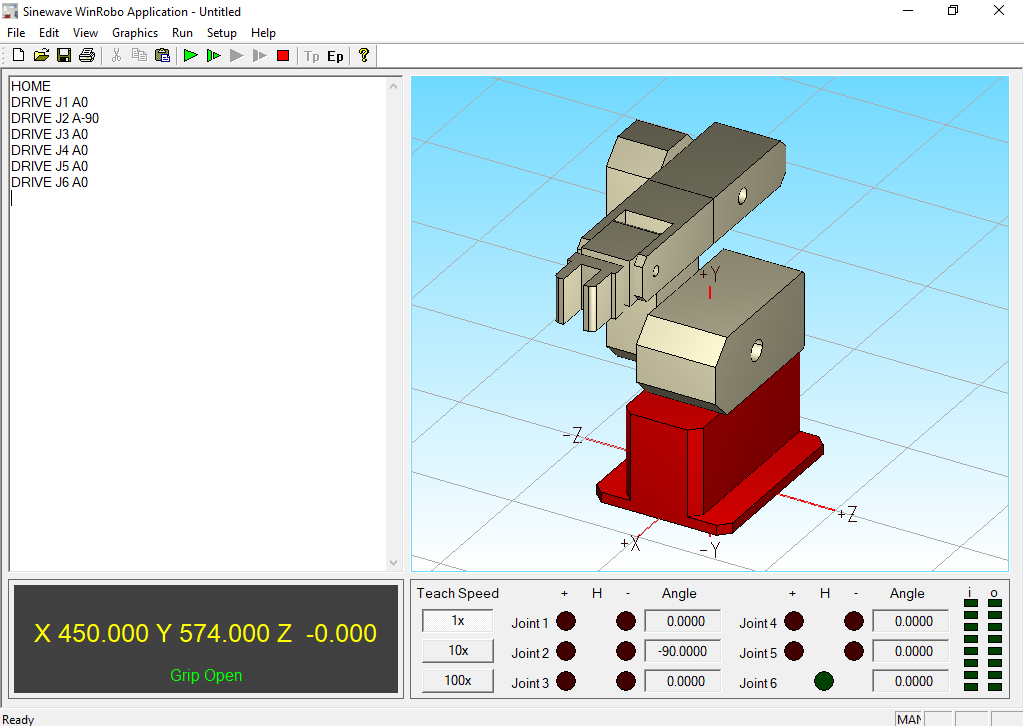
  • Learn 6-Axis and SCARA robots
  • Interactive programming environment
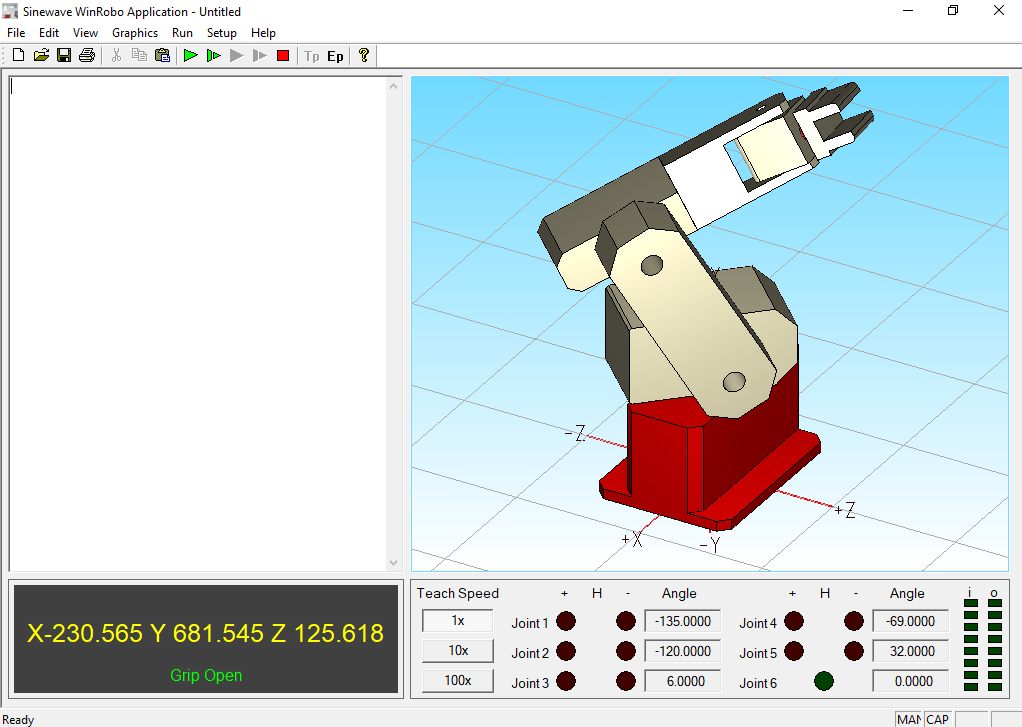
  • Realistic 3D simulation
  • Industry application scenarios
  • Ideal for academic and skill development

Two Robot Platforms. Complete Learning.

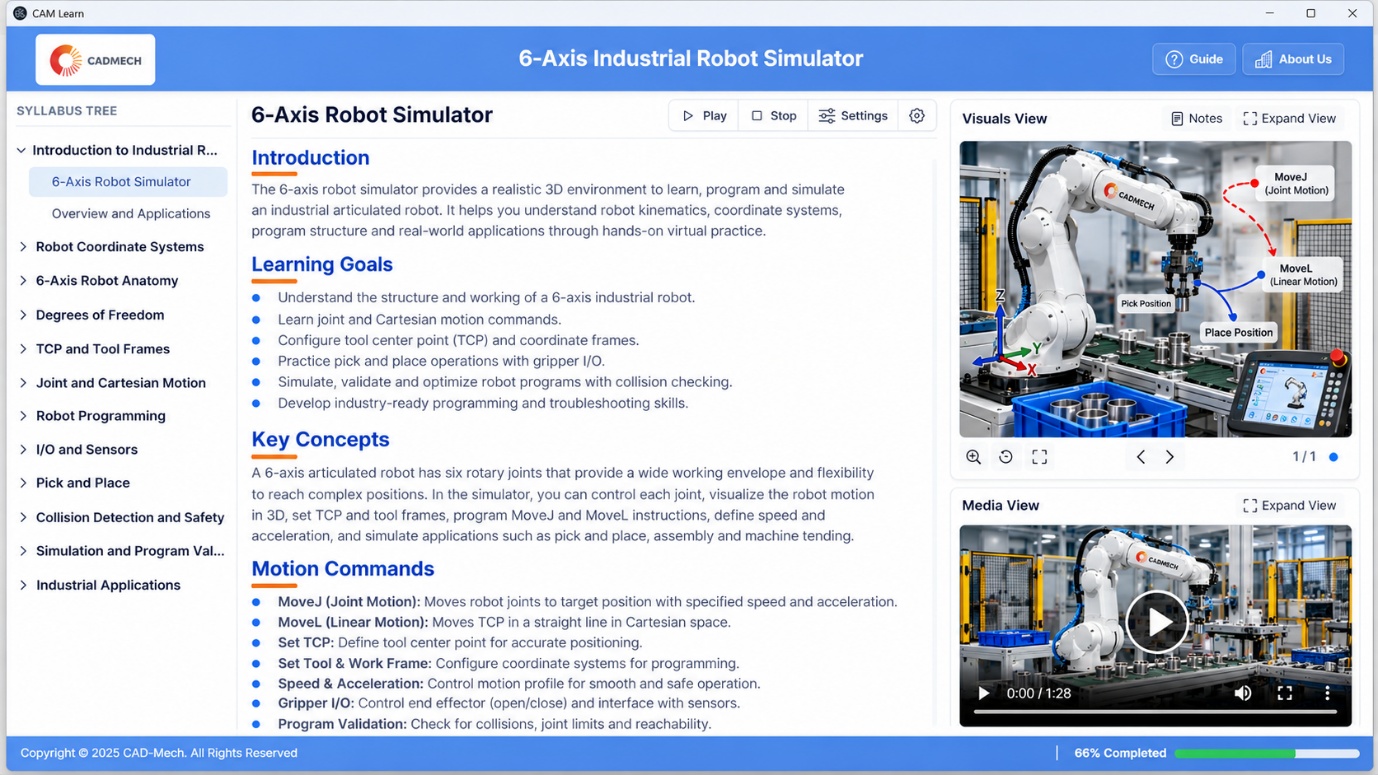
6-Axis Industrial Robot Simulator
  • Kinematics and workspace visualization
  • Point-to-point and continuous path programming
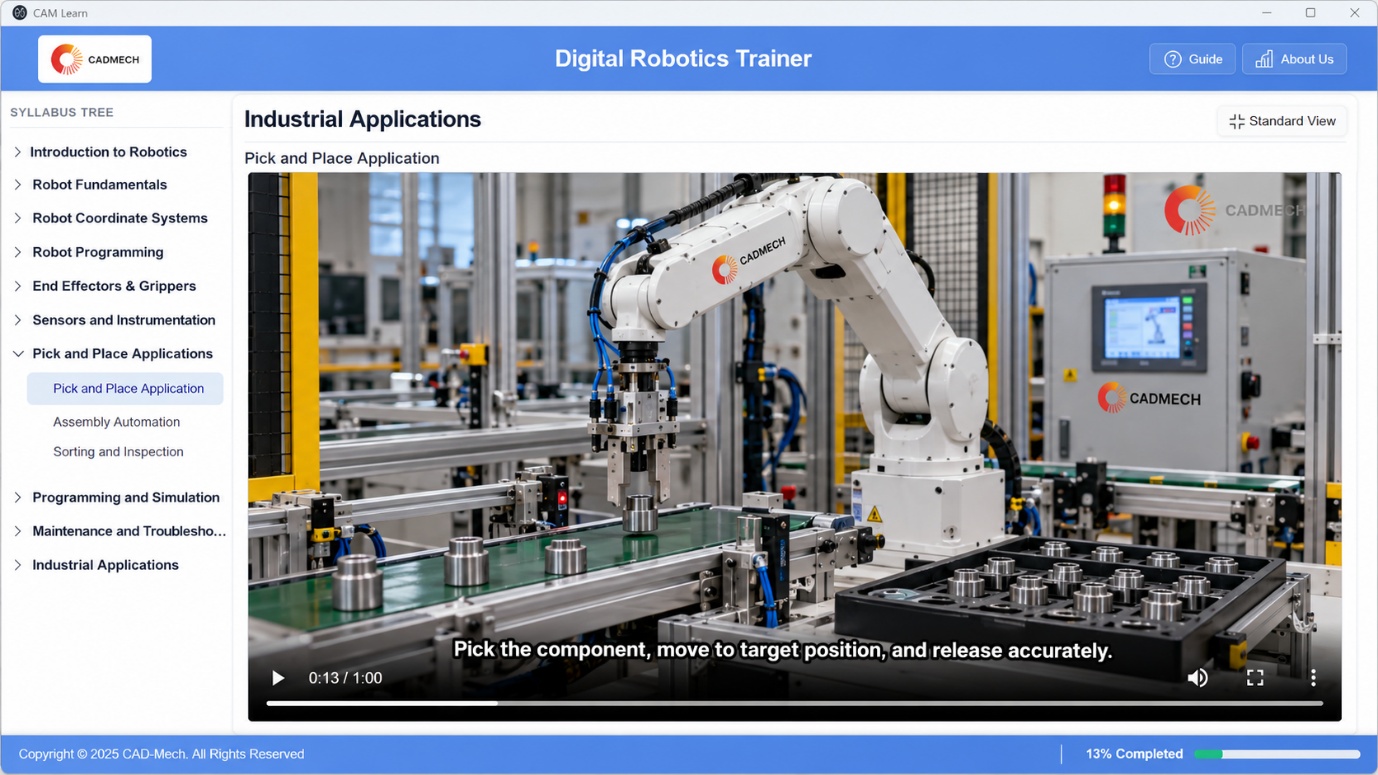
  • Pick & place, palletizing, arc welding, etc.
  • Collision detection and safety zones
  • Support for multiple end-effectors
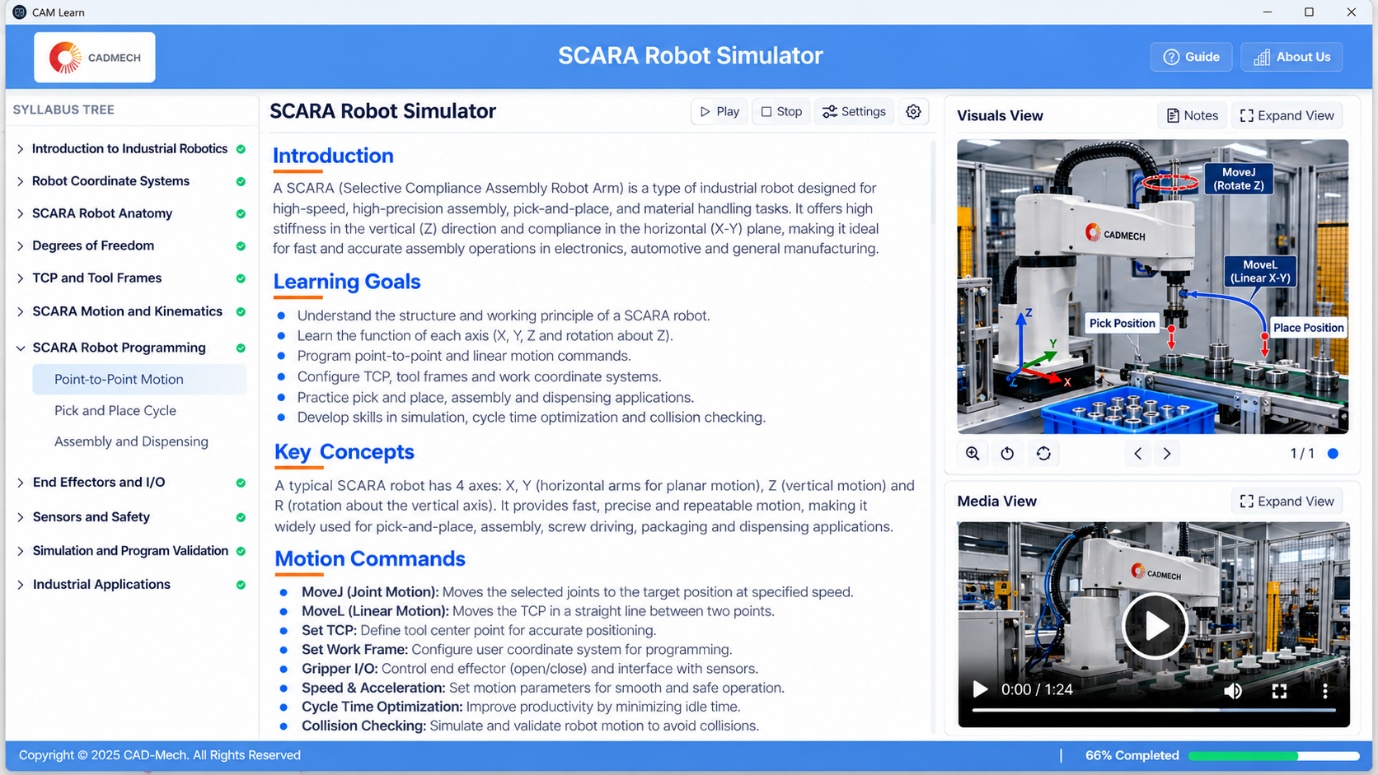
SCARA Robot Simulator
  • SCARA kinematics and work envelope
  • Pick & place and assembly applications
  • Vision-based picking simulation (optional)
  • Conveyor tracking and sorting
  • Industrial application templates

Key Learning Areas

  • Robot types & configurations
  • Robot anatomy and components
  • Coordinate systems & kinematics
  • Robot programming (simulated)
  • End-effectors and tooling
  • Sensors and vision systems
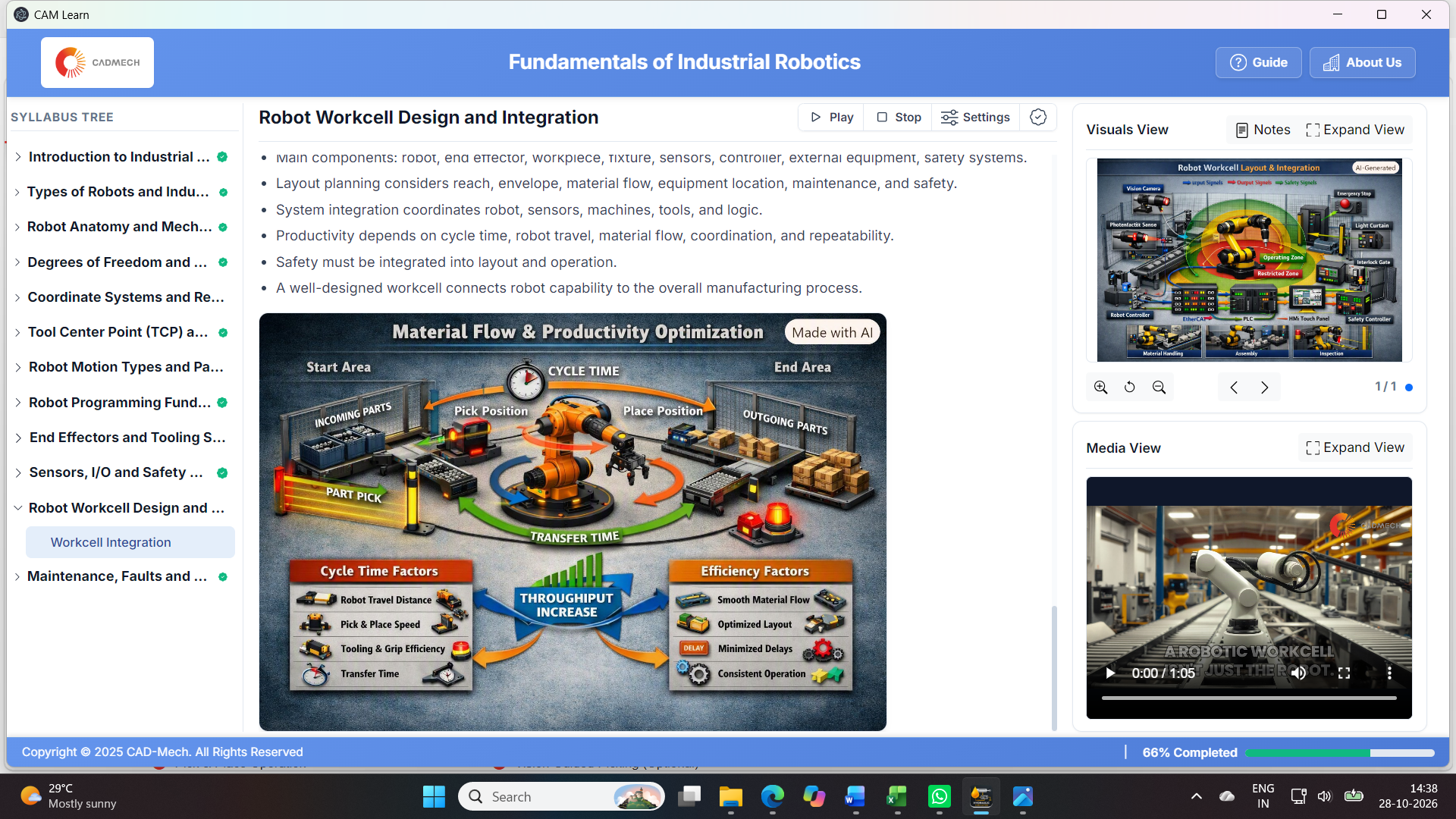
  • Workcell design and integration
  • Safety and standards
  • Troubleshooting and maintenance
  • Industrial applications

Sample Experiments (Included)

  • Point-to-Point Movement
  • Pick & Place Operation
  • Palletizing Application
  • Welding Path Simulation
  • Assembly Operation
  • Conveyor Tracking
  • Vision Guided Picking (Optional)
  • Multiple Part Handling
  • Error Simulation & Recovery
  • Real Industrial Case Studies
View Full Experiment List

Who Is It For?

  • Engineering Colleges
    (Mechanical / Production / Mechatronics / E&TC)
  • Polytechnics & ITIs
  • Skill Development Centres
  • Industrial Training Centres
  • Universities & Research Institutes

“Practice complex robot applications before working on real equipment.”

Available Deployment Options

Choose the right configuration for your institution.

Single License

Individual / Faculty

Get Quote

10 + 1 Academic Lab

For departmental use

Get Quote

Digital + VR Bundle

With Robotics VR (Optional)

Get Quote

Hybrid Lab

Digital + Physical Trainer

Configure Lab

Frequently Asked Questions

Do students need any special hardware?

No. CAMLEARN digital labs run on standard Windows computers. A detailed specification is shared with your quotation.

Can it be used without internet?

Yes. After installation the lab can run offline; internet is only needed for activation and updates.

Does it replace the physical lab?

No. It extends the physical lab so students arrive better prepared and every learner gets individual practice.

Is faculty training included?

Yes. Faculty onboarding and a teaching guide are part of the standard deployment.

Can the content be customised for our curriculum?

Yes. Experiments and modules can be mapped to your syllabus on request.

Bring Robotics Learning to Your Institution.

Request a live demonstration or speak to our team for the right solution.
Catalogue Call WhatsApp Chat