
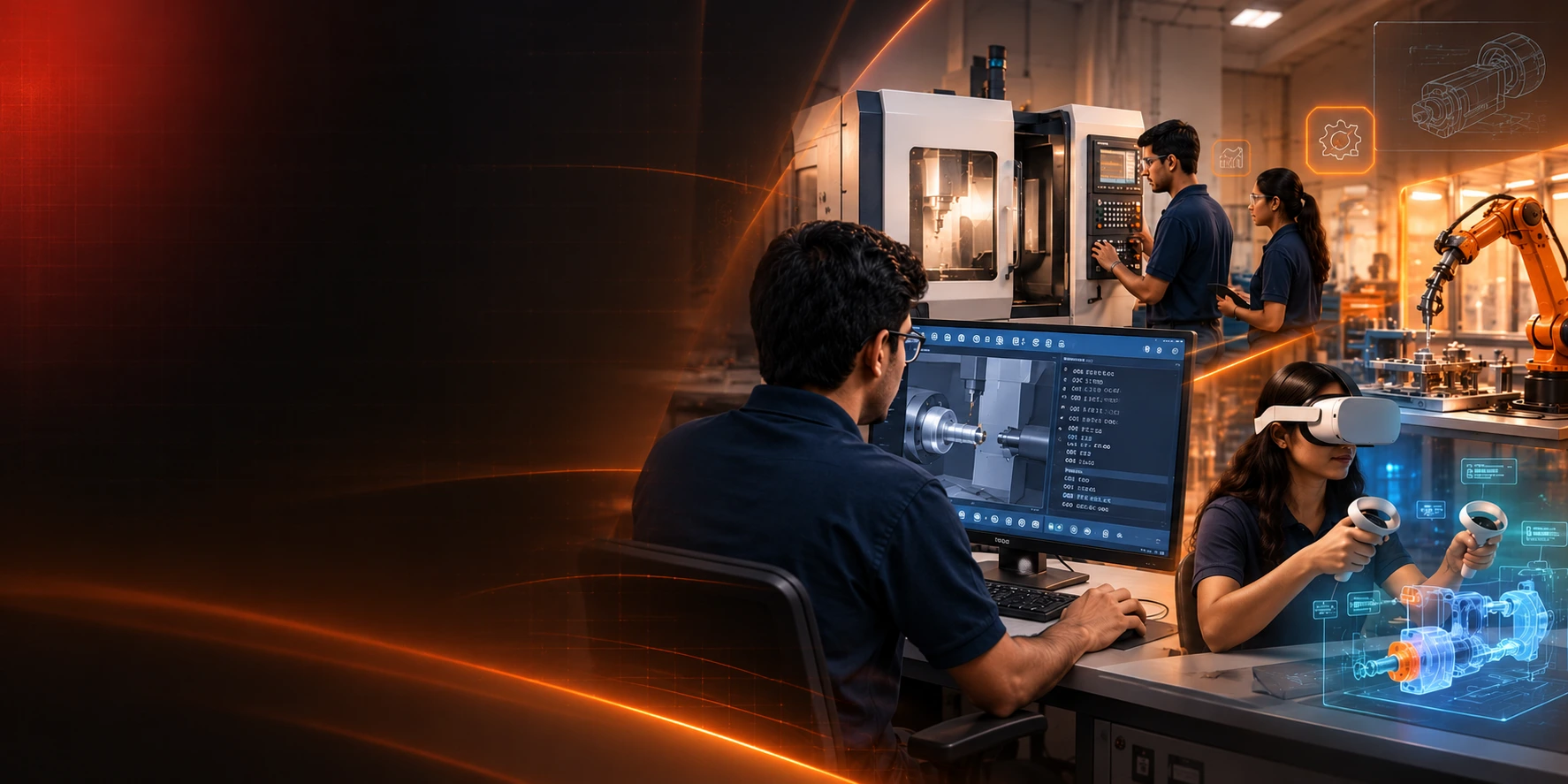
CNC Milling Immersive VR Lab

CAMLEARN™ CNC Milling Immersive VR Lab

Setup. Simulate. Machine. In Virtual Reality.

Experience real CNC milling operations in an immersive 3D environment. Learn machine components, work coordinate systems, tool setup, programming and machining through hands-on simulations – without the risk or material cost.

Real Machines. Real Operations. Virtual Reality.
  • Immersive 3D Environment
  • Real Machine Experience
  • Interactive Programming
  • Tool Setup & Machining Simulation
  • Safe & Cost-Effective Learning
  • Ideal for Classroom and Remote Learning

Key Benefits

  • Experience real CNC milling operations in VR
  • Learn machine components and functions
  • Practice tool setup, work offsets and probing
  • Write, simulate and run CNC programs
  • Visualize material removal in 3D
  • Make mistakes, learn and try again safely
  • Build confidence before using real machines
  • Ideal for students, faculty and industry training

What You Can Do

ExploreMachine components in 3D
ProgramWrite and simulate G-code programs
RunSimulate machining operations
AnalyseView toolpath, material removal and results
Learn by Doing. Anywhere, Anytime.

Gain real machining experience through immersive and interactive CNC milling simulations.

Ideal For

  • Engineering Colleges
  • Polytechnics & ITIs
  • Industry Training Centres
  • Faculty Development Programs
  • CNC Programming Courses
  • Skill Development Initiatives

“The VR milling lab helped our students understand programming and machining much faster.”
— HOD, Mechanical Engineering

Learning Modules

  • CNC Milling Machine Components
  • Coordinate Systems and Work Offsets
  • Tooling and Tool Management
  • CNC Programming (G-code)
  • Simulation and Machining Operations
  • Cutting Parameters and Optimization
  • Common Faults and Troubleshooting
  • Industrial Applications and Case Studies

Example Experiments

  1. Face Milling Operation
  2. Square Pocket Machining
  3. Profile Contouring
  4. Drilling and Hole Patterns
  5. Tool Length Measurement (Probing)
  6. Work Offset Setting (G54–G59)
  7. Subprograms and Pattern Machining
  8. Fault Handling and Recovery
  9. 20+ Guided Experiments Included

System Requirements

  • VR Headset: Meta Quest / HTC Vive / Windows MR
  • PC: Windows 10/11 (Recommended)
  • Graphics: NVIDIA GTX 1660 / RTX series
  • Software: CAMLEARN CNC Milling VR Lab
  • Space: 2 m x 2 m (room scale recommended)
  • Internet: Required for initial setup & updates

Available Options

Single User License

Get Quote

Lab License (10+1)

Get Quote

Applications in Industry

Learn real-world machining tasks used in modern manufacturing.

Mould & Die Machining
Precision Components
Aerospace Parts
Automotive Components
Tool & Fixture Making

Experience CNC Milling in Virtual Reality.

Request a live demonstration or customized proposal for your institution.

Catalogue Call WhatsApp Chat